WHOIS Database by TLD: Buy Records of One Extension at a Time

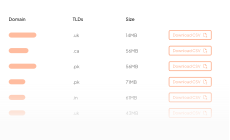
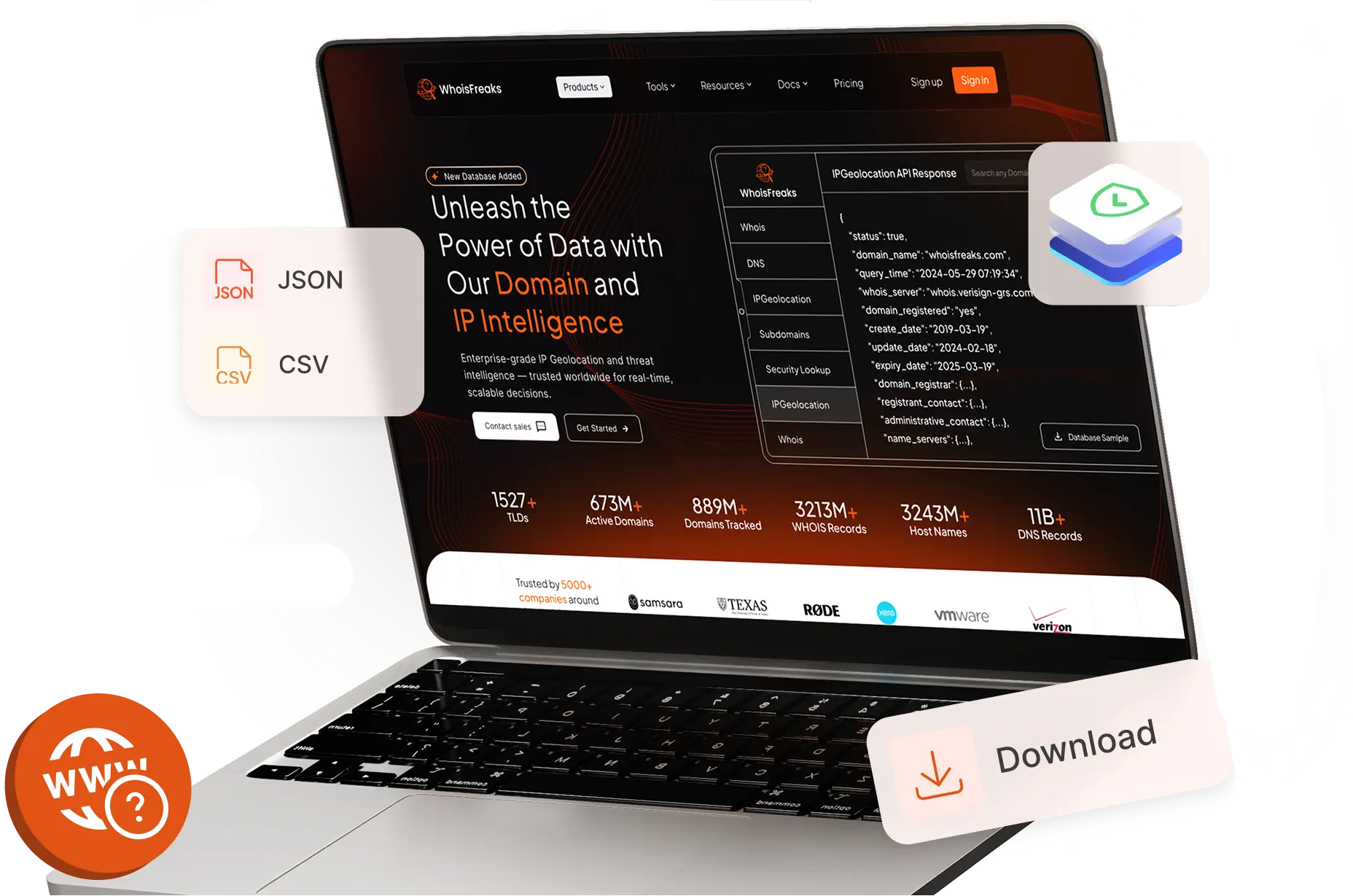
Pick an extension and buy just those WHOIS records. The table below lists every TLD we sell as its own dataset, with its current domain count and price, so you can size the data before you commit. Delivered as CSV or MySQL.

Eclipse WHOIS Stats

What is a WHOIS database by TLD?

A TLD WHOIS database is a parsed WHOIS dataset filtered to a single top-level domain, so you buy only the .com, .io, or .de records you need instead of the full archive. WhoisFreaks prices each extension by its domain count and delivers it as CSV or MySQL with 80+ parsed fields per record.

Extensions

1015+

We track 1529+ TLDs in total. These are the ones big enough to sell on their own.

Grid of domain extension icons
Parsed fields/record

80+

Registrant, registrar, nameservers, status, and dates, parsed into fixed columns.

Bar chart representing parsed data fields
History from

1986

Ownership changes, transfers, and renewals kept since the first records in 1986.

Historical timeline chart

Features

What Do You Get in a TLD Dataset?

Each TLD dataset carries the same parsed fields as the full WHOIS Database, scoped to one extension.

Feature icon

TLD-Specific Data

Every domain registered under the extension you choose, with a live count you can check against the table above.

Feature icon

Registrant and Registrar Details

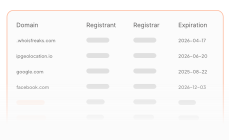
Provides insights into who owns each domain, which registrar was used, and their respective geographic locations.

Feature icon

Registration Timelines

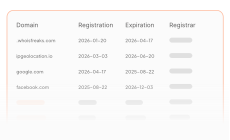
Displays domain lifecycle information, including creation dates, expiration periods, renewal history, and update logs.

Feature icon

TLD Policies and Guidelines

The registry eligibility rules and registrant requirements for the extension, checkable before you spend a dollar.

Use Cases

What Can You Do With this Data?

How teams use extension WHOIS dataset across security and brand protection.

Feature icon

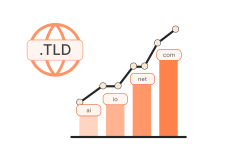
TLD Popularity Assessment

Measure demand for an extension from its registration and drop trends, so you can tell a rising TLD from a fading one before you invest in that namespace.

Feature icon

TLD Policy Compliance

Check registrations in a regulated extension against its registry rules and ICANN policy, so your compliance or research team can flag ineligible domains.

Feature icon

Domain Investment

Study registration dates, expiry clusters, and drop patterns inside one extension to spot high-value domains and time resale or leasing before rivals bid.

Feature icon

Brand Monitoring

Watch new registrations inside the extensions that matter to your brand to catch trademark abuse, impersonation, and lookalikes early enough to act on them.

Feature icon

Registrar Intelligence

See which registrars dominate one extension, track how their share shifts over time, and spot the ones worth partnering with or competing against directly.

Feature icon

Threat Intelligence

Pivot across registrations in one extension to connect domain owners, flag suspicious clusters, and map infrastructure tied to phishing, malware, or fraud.

Request demo background

Scoping to one extension cuts the data you store and the noise you filter, which matters when the namespace you care about is a fraction of the full archive.

WHOIS Database

WHOIS Database

WHOIS Database Start from the full 4.1B+ record dataset in CSV or MySQL, then narrow it down to a single extension.

WHOIS Database
Country WHOIS Database

Country WHOIS Database

Filter the same records by registrant country for regional research, reporting, and market sizing.

Country WHOIS Database
Registrar WHOIS Database

Registrar WHOIS Database

Group the same records by registrar to see which of them dominate the extension that you care about.

Registrar WHOIS Database

FAQs

FAQs about TLD-level datasets: coverage, update cadence, fields, redaction, and pricing.

What is a TLD-Specific WHOIS Database?

A TLD-specific WHOIS database is a parsed WHOIS dataset filtered to one top-level domain. You buy the .com, .io, or .de records you need instead of the full archive. Each dataset carries the same parsed fields as the full WHOIS Database, priced per extension by domain count.

How often is each TLD dataset updated?

Update cadence follows your subscription. Daily files refresh at 2:15 AM UTC, weekly files every Monday at 1:00 AM UTC, and monthly files on the 1st at 2:00 AM UTC. The table on this page shows the last database update so you can confirm currency before buying.

Which extensions can I buy as a separate dataset?

Every extension listed in the table on this page can be bought on its own. That covers legacy generic top-level domains (gTLDs) such as .com, .net, and .org, newer gTLDs such as .xyz and .top, and country-code top-level domains (ccTLDs) such as .de, .uk, and .cn. Check the supported TLDs list for a specific extension.

What format and fields does a TLD dataset ship in?

Each TLD dataset ships as CSV or MySQL with 80+ parsed fields per record, including registrant name and organization, registrar, creation, updated and expiry dates, nameservers, and domain status. Download it from the billing dashboard or pull updates through the API. The full field list and endpoint reference sit in the WHOIS Database documentation.

Are registrant details redacted?

Registrant fields follow ICANN's 2018 Temporary Specification, which redacted personal data from public gTLD WHOIS. Records captured before 2018 retain unredacted ownership data, and organization-level fields stay populated where the registry publishes them. Redaction varies by registry and by ccTLD policy.

How is a TLD dataset priced?

Pricing scales with how many domains the extension holds, so .com costs more than .net. The table on this page lists the current price beside each domain count. For a custom cut, a different cadence, or a bundle of extensions, talk to sales for a quote.
Ready to get started?Join now and claim 500 credits for free!

Elevate your cybersecurity strategy with our all-in-one domain and IP intelligence platform empowering analysts, researchers, and brand owners with real-time WHOIS, DNS, IP, and subdomain insights.