
Blog
How to Find All Domains Registered to an Email Address

Written By Qasim, WhoisFreaks Team Published: March 13, 2025, Last Updated: August 26, 2026
Blog
Written By Qasim, WhoisFreaks Team Published: March 13, 2025, Last Updated: August 26, 2026
Reverse WHOIS lookup by email lets you find every domain name registered using a specific email address. Instead of starting with a domain and looking up its owner, you start with a known owner attribute and retrieve the complete list of domains connected to it. This makes reverse WHOIS one of the most direct methods for mapping domain portfolios, tracing threat actor infrastructure, and identifying brand infringements.
WhoisFreaks indexes more than 3.6 billion WHOIS records and supports reverse searches by email address, registrant name, organization name, phone number, and keyword. Results include both active and historical registrations, which means domains registered before GDPR privacy protections took effect in 2018 remain searchable even if their current records are redacted.
This guide explains how reverse WHOIS by email works, when to use it, what its limitations are, and how to run it manually through a lookup tool or at scale through the API.
Reverse WHOIS lookup is the process of querying a WHOIS database using a registrant attribute, such as an email address, person name, or company name, and retrieving all domain names linked to that attribute. It inverts the standard WHOIS direction: standard WHOIS takes a domain and returns its owner data, while reverse WHOIS takes owner data and returns all associated domains.

Every domain on the internet carries a WHOIS record with structured ownership data, including the registrant's name, email address, organization, registration and expiration dates, registrar, and nameservers.
A standard WHOIS lookup retrieves that record and returns it for a single domain. The data is publicly accessible unless the domain owner has opted for WHOIS privacy protection, which replaces personal contact fields with proxy information provided by the registrar.
Unlike a standard WHOIS lookup, which searches for information about one domain name, a Reverse WHOIS Lookup allows users to find all domains that share a common WHOIS detail, such as:
For example, if a cybersecurity researcher wants to find all domains registered by a known attacker, they can perform a Reverse WHOIS Lookup using the attacker’s email address.

This will return a list of all domains linked to that email, helping to identify other websites potentially involved in phishing campaigns, malware distribution, or fraudulent activities.
For example, in the attached Reverse WHOIS Lookup using Email of an attacker, the tool showed 266 records.
The following steps work for both the free tool and the API. Use the tool for one-off lookups. Use the API when you need to process multiple email addresses or integrate results into a workflow.
Navigate to the WhoisFreaks Reverse WHOIS tool. The search interface accepts four types of input: email address, registrant name, organization name, and keyword. Select "Email" as your search type.
Paste the full email address you want to investigate. Use the exact registrant email as it would appear in a WHOIS record, for example [email protected]. Partial matches are supported using the keyword field and for the email regex search option is available.
WhoisFreaks returns results in standard mode by default, which includes all the details WHOIS provides. If you need only the registrant name, organization, registration date, and domain name use the mini mode, this will reduce response size.
Each result row shows the domain name, the registrant details matched to your email, and the registration date. Domains that no longer use that email but used it at any prior point in registration history will appear in the results. Review for patterns: shared nameservers, registration clusters on specific dates, or related domain naming conventions often indicate a coordinated campaign or a single operator's full portfolio.
For exports above the tool's display limit, use the Reverse WHOIS API to retrieve results programmatically. A basic API call for email-based reverse lookup takes the form:
GET https://api.whoisfreaks.com/v1.0/whois?apiKey=YOUR_KEY&whois=reverse&[email protected]For full parameter documentation, authentication setup, and pagination reference, see the Reverse WHOIS API product page.
A reverse WHOIS search by email returns a list of domain names. That list is the starting point, not the end of the investigation. How you triage and act on those results determines how useful the lookup actually is.
Look for registration clusters: Sort results by registration date. If a large number of domains were registered within the same one-to-three-day window, that pattern suggests a coordinated registration event rather than organic activity over time. A threat actor standing up a phishing campaign typically registers all supporting domains at once.
Look for naming conventions: Scan the domain names for recurring patterns: brand names with typosquatting variations, keyword combinations that match a known product or service, or structural patterns such as the same prefix or suffix across multiple domains. A registrant who owns 40 domains with consistent naming patterns is almost certainly operating with intent rather than accumulating domains casually.
Check for shared nameservers across results: A registrant may use different email addresses across domains but reuse the same nameservers. If multiple domains in your results share nameservers with each other or with domains you already know are malicious, you have an infrastructure linkage that holds even if registration data changes.
Escalate to historical WHOIS for unresolved domains: For any domain in your results that currently shows a privacy proxy in its active WHOIS record, run a WHOIS History lookup to check whether earlier snapshots contain the unredacted registrant data from before privacy protection was applied.
Document before acting: If your findings will support a legal complaint, abuse report, or law enforcement referral, save the raw results with timestamps before taking any action. Export the full result set from the API rather than working from the tool's display limit.
Since GDPR took effect in May 2018, most domain registrars in the European Union and many outside it began redacting registrant contact data, including email addresses, from publicly accessible WHOIS records. This means that domains registered or renewed after mid-2018 by privacy-conscious registrants will often show a proxy email such as [email protected] rather than the actual registrant email.
First, if the email address was used before privacy redaction and the registrant did not update their records or transfer the domain, historical WHOIS records preserve the original contact data. WhoisFreaks indexes WHOIS history records going back to 1986, and pre-2018 records for millions of domains retain the original registrant email.
Second, some registrars do not participate in GDPR redaction because they operate in jurisdictions that do not require it. Domains registered through these registrars continue to expose registrant email in current WHOIS records.
Third, if a threat actor or registrant reuses the same proxy email across multiple registrations, a reverse WHOIS search on the proxy email address will still surface all domains that share it, even if the proxy obscures the actual registrant.
Reverse WHOIS by email is most reliable for pre-2018 registrations and for investigations where the target has not used WHOIS privacy services. For newer registrations with redacted contacts, pair reverse WHOIS with other pivot points such as shared nameservers, SSL certificate organizational data, or IP address clustering.
Reverse WHOIS supports four primary search attributes. Each produces different results and is suited to different investigation or research scenarios.
| Search Input | Best Used When | Typical Result Set | Precision |
|---|---|---|---|
| Email address | You have a specific registrant email from a prior WHOIS record, threat intel feed, or data breach | All domains ever registered using that exact email | High |
| Registrant name | You have a person's full name as it appears in WHOIS records | All domains registered under that name across all registrars | Medium (name collisions are common) |
| Organization name | You want the full domain portfolio of a company | All domains where the registrant organization matches your search term | Medium to high |
| Keyword | You want to find domains containing a specific term in any WHOIS field | Broader results including partial matches in company name, address, or registrar notes | Low to medium |
When researching a company's domain portfolio, an organization name search is usually broader and more complete because the company may use multiple email addresses across different registrants or departments. Email-based searches are more precise but may miss domains registered by other employees or subsidiaries using different email addresses. The most thorough approach combines both: run an organization name search first, then pivot on any email addresses that appear in the results.
This is a different task from reverse WHOIS. To find all email addresses associated with a specific domain, you need a standard WHOIS or WHOIS History lookup on that domain, not a reverse lookup. The WHOIS record for any domain includes the registrant, admin, and technical contact email addresses used at registration. WHOIS History lookup will show you every email address that has ever been associated with the domain, including addresses changed or redacted over time.
Cybersecurity professionals use Reverse WHOIS to track down attackers and identify malicious domains.
Many cybercriminals register multiple web addresses using the same email address or company name. By performing this type of WHOIS Lookup, security analysts can:
Businesses often use WHOIS Lookup to conduct market research and competitive analysis. By searching for a competitor's company name, they can:
perform a reverse WHOIS company lookup for your competitor like the one performed below:

Companies frequently perform Reverse WHOIS Lookups to protect their trademarks and brand identity. If a third party registers a web address similar to a well-known brand, businesses can take action by:
For ongoing monitoring rather than one-off lookups, Registrant Monitoring alerts your team automatically when a known registrant email or name registers new domains.
Organizations that own multiple domains use Reverse Lookup to track all domains registered under their name. This helps them:
Most reverse WHOIS lookups by email work as expected for registrations made before mid-2018, when WHOIS privacy redaction became widespread. For investigations that require coverage of post-2018 domains with redacted contacts, the Reverse WHOIS API supports historical record queries going back to 1986, which means pre-redaction registrant data is accessible even when current records are masked. Pair email-based reverse lookups with organization name searches on the same dataset to build the most complete picture of a registrant's domain activity.
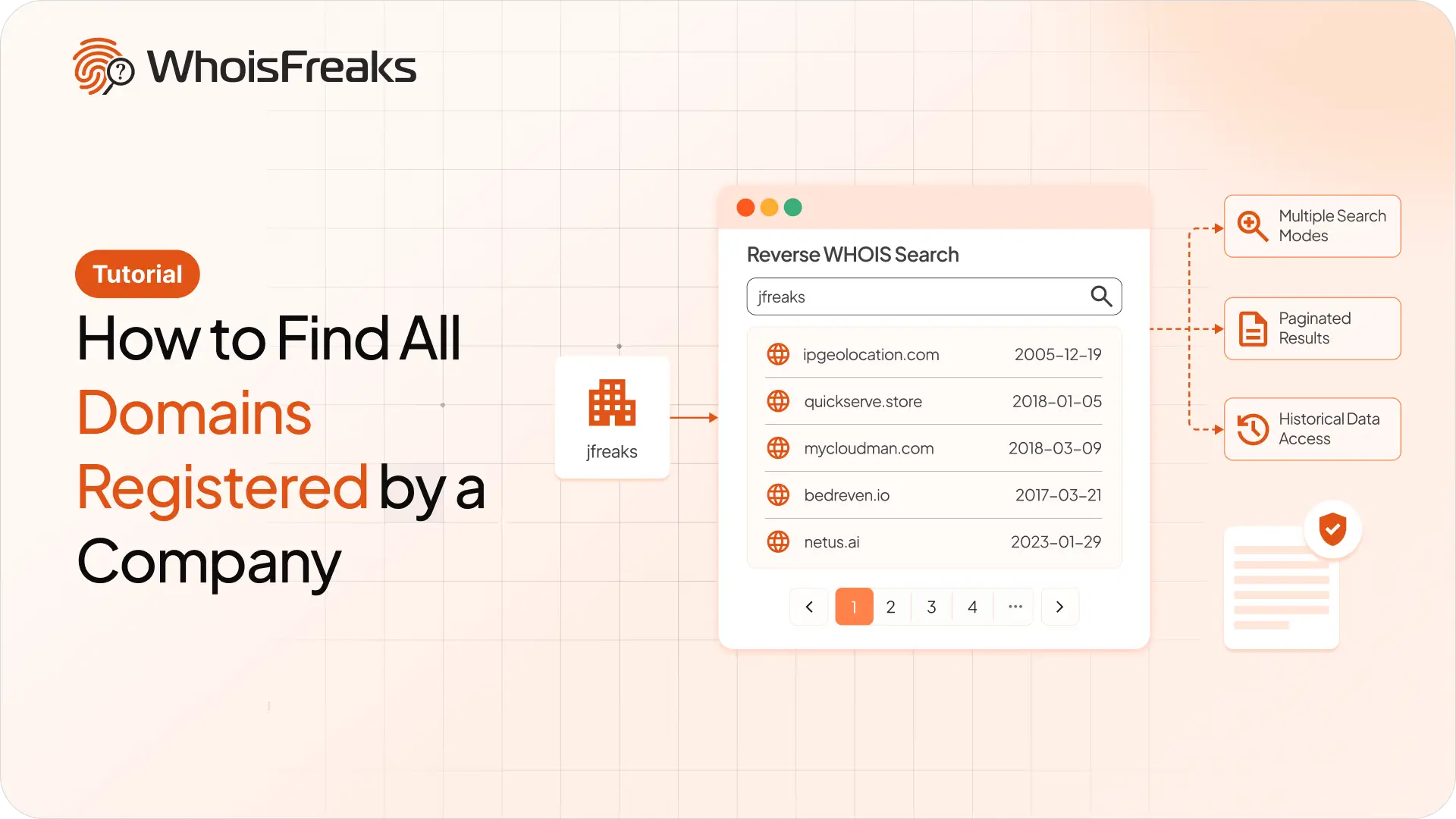
Use reverse WHOIS to find every domain a company registered. Pick the right search mode, page through results, and know what redaction hides.
9 min read

Pull WHOIS, live DNS, and subdomains from WhoisFreaks in XSOAR. Score the domain before any block fires. Auto-block high-risk or route to analyst review.
12 min read

ExpiredDomains.net does not offer any API to integrate its services into customer infrastructure. To access expired or deleted domain names via an API, you would need to rely on scraping or third‑party providers.
9 min read