
Blog
AdGuard Home NRD Blocking: Automated Setup with Docker

Written By Sameer Asad, WhoisFreaks Team Published: June 18, 2026, Last Updated: July 29, 2026
Blog
Written By Sameer Asad, WhoisFreaks Team Published: June 18, 2026, Last Updated: July 29, 2026
There is a window between when a malicious domain is registered and when it shows up in any threat intelligence feed. That gap typically runs 48 to 96 hours between registration and first appearance in commercial threat feeds. During that time, the domain is live, functional, and invisible to every blocklist your DNS resolver trusts.
Attackers know this window exists. They exploit it deliberately, registering infrastructure days before a campaign launches, running the operation, then abandoning the domain before analysis catches up. Reactive threat feeds are not slow because people are careless. They're slow because categorization takes time, and time is exactly what attackers are buying.
Blocking newly registered domains closes that window. Not because every new domain is malicious (the vast majority aren't) but because the math works in your favor. Palo Alto Networks Unit 42 ran the numbers across 1,530 TLDs in a 2019 study and found that more than 70% of domains registered within the previous 32 days were malicious, suspicious, or NSFW. That's not a marginal signal. It's the single strongest DNS-level risk indicator that doesn't require a signature.
This guide covers how to wire the WhoisFreaks NRD feed into AdGuard Home automatically, using Docker. By the end you'll have a self-maintaining AdGuard Home NRD feed setup that pulls fresh data every day, rebuilds the blocklist, and updates AdGuard without you touching anything.
TL;DR: Clone the official WhoisFreaks repo, add your API key and a password, run docker compose up -d. Four containers handle everything: an init job builds the blocklist and registers it before AdGuard starts, a daily cron job keeps a rolling window of newly registered domains current, and AdGuard blocks them at the DNS layer for every device on your network.

Most DNS sinkholes treat their blocklists as databases: flat files ingested, deduped, and stored. Filter updates mean rebuilding that database, which on large lists can degrade query performance for minutes.
AdGuard Home applies filters differently. Rules are evaluated as adblock-style expressions at query time, not pre-compiled into a lookup table. When you update a filter, AdGuard reloads it in the background. Active DNS resolution keeps running throughout. For something like an NRD feed, where the blocklist changes every 24 hours and can contain millions of entries, that matters.
AdGuard also runs its own DNS-over-HTTPS and DNS-over-TLS resolver internally. There's no separate upstream resolver to configure. Blocking and resolution happen in the same process, which reduces the query path and gives AdGuard direct control over what gets resolved and what doesn't.
The trade-off is that AdGuard's filter update API is more opinionated than Pi-hole's SQLite approach. Specifically, it validates filter URLs before subscribing, which creates complications when you're trying to subscribe to a local file served by another container. This setup solves that by assigning the feed server a static Docker network IP and hardcoding it in AdGuard's /etc/hosts, bypassing DNS resolution for the internal feed URL entirely.
Four containers, one network, one job each:
nrd-feed-server is a bare nginx container serving the generated blocklist file over HTTP on a fixed IP (172.28.0.10). It has no logic of its own. It just makes the file available at a stable URL that AdGuard can reach.
nrd-feed-init runs once and exits. On startup it downloads NRD data from WhoisFreaks for your configured window, writes the combined adblock-format file, and patches AdGuard's configuration to register the feed. Docker's depends_on: service_completed_successfully means AdGuard waits for this container to finish before it starts.
adguard-home starts with the NRD feed already registered in its configuration. It loads the rules immediately on boot. No setup wizard interaction, no manual filter addition. The filter is there when AdGuard first opens its dashboard.
nrd-feed-fetcher is the ongoing cron container. It runs daily, downloads the newest day's data, prunes the oldest, rebuilds the combined file, and signals AdGuard to refresh its filters. The rolling window stays current indefinitely.
The feed itself comes from WhoisFreaks' bulk download endpoint. Two files per day: one for generic TLDs (.com, .net, .io, .xyz, and thousands more), one for country-code TLDs (.uk, .de, .cn, .ru, etc.). Both are gzipped plain-text, one domain per line. Based on WhoisFreaks daily NRD feed volumes of roughly 200,000 to 300,000 new domains per day, a 10-day window combines to roughly 2 to 3 million unique domains.
The window you choose is a deliberate risk tolerance decision, not just a size preference. Here's the practical breakdown, with domain counts based on current WhoisFreaks daily feed volumes:
A 5-day window gives you roughly 1 to 1.5 million domains. False positive exposure is lower because truly fresh domains are the highest-risk cohort, and you're not dragging in domains that were registered a week ago and might already be legitimate services. Good choice for environments where you can't easily whitelist exceptions, or where traffic patterns are unpredictable.
A 10-day window (the default) is the standard recommendation. Roughly 2 to 3 million domains. Catches most campaign infrastructure without aggressive false positive rates. For the majority of home and small business deployments, this is the right number.
A 30-day window covers roughly 6 to 9 million domains. Maximum coverage, but meaningful false positive exposure: major SaaS launches, new product sites, and freshly migrated services all sit in this window. Only appropriate if you actively manage an allowlist and have a low tolerance for missed threats.
You need:
systemd-resolved holds this by default (fix below)Freeing port 53 on Ubuntu. AdGuard needs to bind port 53, but Ubuntu's stub resolver gets there first:
sudo sed -i 's/#DNSStubListener=yes/DNSStubListener=no/' /etc/systemd/resolved.conf
sudo systemctl restart systemd-resolved
sudo ln -sf /run/systemd/resolve/resolv.conf /etc/resolv.conf
This disables only the stub listener. Full DNS resolution through systemd-resolved continues working normally.
The WhoisFreaks API key goes in a single file on the host, never in the compose file or any script:
sudo mkdir -p /etc/whoisfreaks
echo "your_api_key_here" | sudo tee /etc/whoisfreaks/apikey > /dev/null
sudo chmod 600 /etc/whoisfreaks/apikey
The fetcher containers mount /etc/whoisfreaks as read-only at runtime. The key is never printed to logs or passed as an environment variable.
git clone https://github.com/WhoisFreaks/wf-adguard-nrd-feed.git
cd wf-adguard-nrd-feed
Open docker-compose.yml and make two edits:
ADGUARD_PASS: "your-strong-password-here"   # both feed-init and feed-fetcher
WINDOW_DAYS: "10"                            # change to 5 or 30 if needed
That's the only configuration required. The username defaults to admin. DNS port, web port, upstream resolvers, and filter registration are all handled automatically on first run.
docker compose up -d
Watch the init container work through the initial download:
docker logs -f nrd-feed-init

The first run downloads all days in your window. On a typical home connection this takes 3 to 5 minutes. Every subsequent daily run downloads only two files (the newest day's gTLD and ccTLD) and completes in under a minute.
When nrd-feed-init exits with code 0, AdGuard starts automatically. Give it 60 to 90 seconds to load the filter. Millions of rules take a moment even on modern hardware.
Open http://localhost and log in. Then go to Filters → DNS blocklists.

The WhoisFreaks NRD entry should be listed with a rule count matching your window size. If it shows 0, wait another minute and hit refresh. Large filter loads run asynchronously after startup.
To confirm blocking is active, check the query log for any device on your network. Attempts to resolve recently registered domains will appear with a "Blocked" status and the filter name as the source.
Once running, this integration requires nothing from you. The feed-fetcher container handles the daily cycle:
nrd.adblock from all remaining cache files: sorted, deduplicated, formattedOn a warm cache the full cycle completes in under 60 seconds. The rule count in your dashboard updates shortly after.
If a download fails for a specific day (network hiccup, API quota, feed not yet published) the fetcher logs a warning, keeps the previous cache for that day, and continues with what it has. Partial failures are non-fatal.
Home network phishing protection. Browser-based phishing filters and antivirus have coverage gaps, and mobile devices on your network get almost none. AdGuard Home phishing protection works at the DNS layer: running on a home server or Raspberry Pi, it blocks malicious NRDs for every device on the network (phones, tablets, smart TVs, everything) before any connection is made.
Small business perimeter DNS. Newly registered domains are disproportionately used for business email compromise and credential harvesting. An NRD blocklist on your office DNS resolver gives employees a layer of protection that doesn't require installing anything on their machines.
Threat intelligence validation environment. Security teams can run AdGuard with the NRD feed alongside their existing threat intel stack to measure how many flagged indicators appear in the NRD window. It's a useful way to quantify the lead time advantage of NRD-based blocking versus signature-based detection.
Shadow IT detection. Employees experimenting with new SaaS tools often hit new-ish domains. With query logging enabled, NRD blocks surface unauthorized software adoption passively. No active scanning required, no agents to deploy.
IoT network segmentation. IoT devices are high-value malware targets and poor candidates for endpoint security. A dedicated VLAN with AdGuard enforcing NRD blocking limits the blast radius of a compromised device. It can't phone home to infrastructure registered last week.
New legitimate services register domains daily, and some will land in your window. On a 10-day window with typical home traffic, expect the occasional blocked legitimate domain, usually a few per month at most. Most users encounter them when a service they don't use often launches something new.
When it happens, the fix is one line in AdGuard's custom filter rules under Filters → Custom filtering rules:
@@||legitimate-service.com^
The @@ prefix is AdGuard's allowlist syntax. It overrides any blocklist rule for that domain. Changes take effect immediately. No restart, no rebuild.
For higher-volume environments, consider running in passive mode first. AdGuard can log what the NRD rules would block without actually blocking it. Review the would-be blocks over a week, add anything legitimate to your allowlist, then switch to active blocking with a pre-built exceptions list.
| Variable | Default | What it controls |
|---|---|---|
WINDOW_DAYS |
10 |
Rolling window in days |
FEED_TYPES |
gtld cctld |
Feed types. Remove cctld to cut volume roughly in half |
CRON_SCHEDULE |
0 2 * * * |
When the daily refresh runs (UTC, cron syntax) |
ADGUARD_USER |
admin |
AdGuard admin username |
ADGUARD_PASS |
(required) | AdGuard admin password. Must set before first run |
NRD feed shows 0 rules in the dashboard. Large filter loads run asynchronously. Wait 90 seconds and refresh. If still 0, run docker logs adguard-home | grep -i filter to see the load status. Also confirm the feed file exists: ls -lh feed/output/nrd.adblock.
"API key file not readable" in init logs. Check /etc/whoisfreaks/apikey exists on the host and that the file contains only the key with no extra whitespace. Verify the volume mount in docker-compose.yml maps it to /secrets.
Port 53 conflict on startup. Run sudo ss -tlnp | grep :53. If systemd-resolved is listed, follow the Ubuntu port 53 steps in the prerequisites section above.
The feed powering this integration is the WhoisFreaks Newly Registered Domains product: daily bulk files covering both gTLD and ccTLD registrations globally, with previous-day ccTLD files typically available around 3:00 AM UTC and current-day gTLD files around 5:00 PM UTC.
If you're already running Pi-hole rather than AdGuard Home, the same feed works there too. The Pi-hole NRD integration uses an identical rolling-window approach with the same WhoisFreaks endpoint.
Source code: https://github.com/WhoisFreaks/wf-adguard-nrd-feed
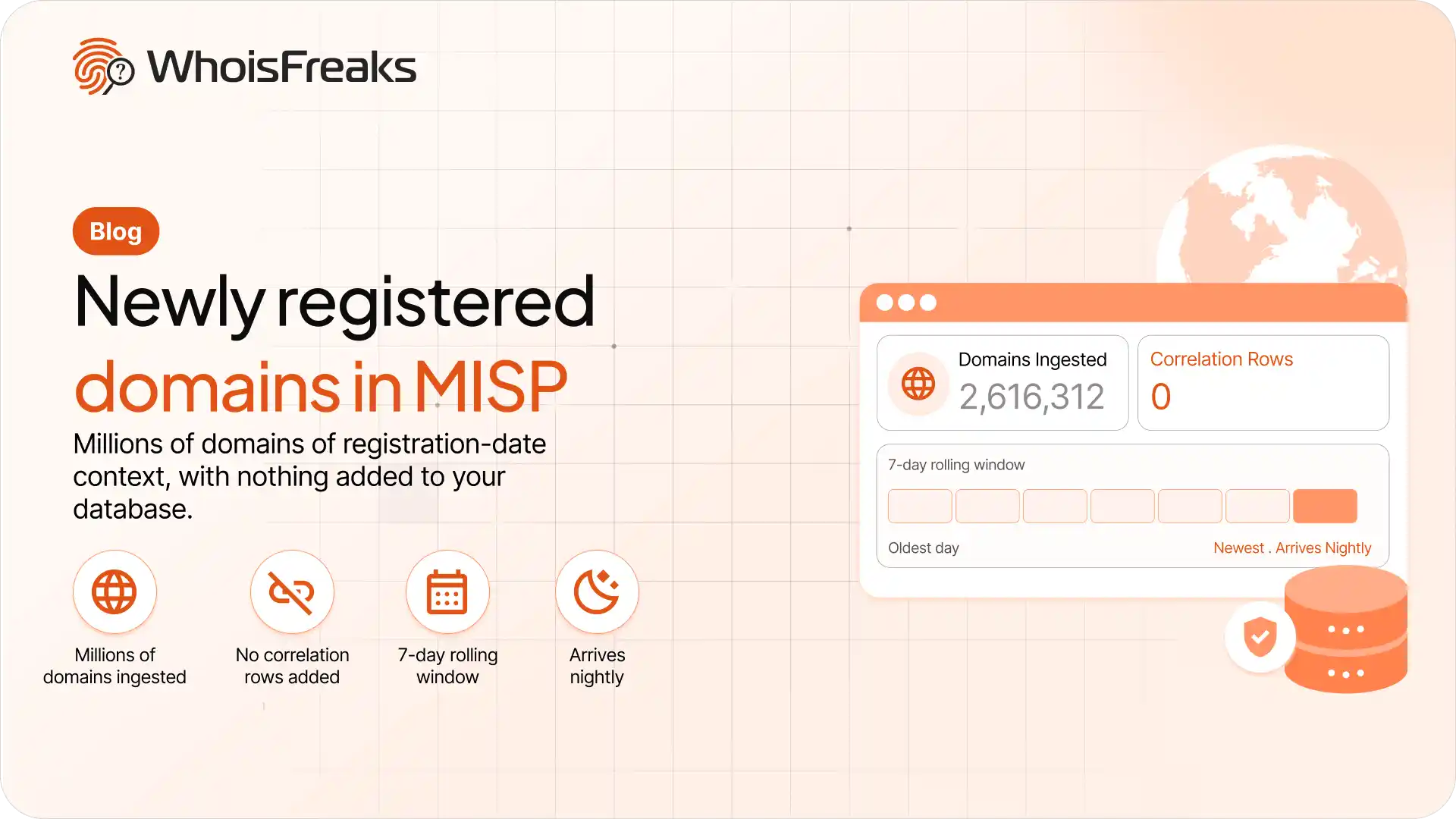
Quick answer. A newly registered domain (NRD) feed in MISP flags how old a domain is at the moment an analyst looks at it. WhoisFreaks publishes NRD data as a local MISP feed directory, so MISP pulls it on its own schedule with no API key between the two systems. Run it in cache-only mode and you get the freshness signal and the exact registration date, with zero events, zero attributes, and zero correlation rows in the database. Cache or fetch? Start here MISP has two independent ways to con
14 min read

Every day, tens of thousands of new domains are registered across the internet. Most are legitimate: new businesses, personal projects, side ventures. But a meaningful share are registered for one purpose, to impersonate a bank, deliver malware, or phone home to a command-and-control server before security vendors have ever seen them. This is the Newly Registered Domain (NRD) problem, and it sits at the heart of a detection gap that traditional threat intelligence feeds consistently fail to clo
8 min read