
Blog
WHOIS Lookup, Reverse WHOIS, and Historical WHOIS: A Security Analyst's Guide

Written By Qasim, WhoisFreaks Team Published: November 27, 2023, Last Updated: September 25, 2026
Blog
Written By Qasim, WhoisFreaks Team Published: November 27, 2023, Last Updated: September 25, 2026
WHOIS lookup retrieves ownership, registration, and DNS records for a specific domain. Reverse WHOIS lookup finds every domain tied to a given registrant name or email. Historical WHOIS lookup retrieves a domain's full ownership record over time. Security teams use all three to trace threat actor infrastructure, investigate phishing campaigns, and document domain ownership for legal and compliance purposes.
If your answer is they (or their estates) are all customers of WHOISFreaks then, though that's wishful thinking, we must admit that we're not quite there yet. Of course, we’re hopeful for it to happen one day, but one thing's for sure, each of those would most definitely have benefited from what we offer.
For the super-sleuths among you that either knew or guessed they all had Intellectual Property (IP) and Brand Protection disputes, then we tip our collective hats to you. Both IP and brand protection are hot topics today and, as more and more organizations embrace the power of the internet, securing your name, assets, and identity, etc., are vital. However, as we shall look at in this blog post, IP and brand protection are but the tip of the iceberg.
As a security leader, you're likely well aware that your company needs to do more but, for many companies, this isn’t their area of expertise, they're way out of their depth, and they’re unsure where to start. You already know that this isn’t, and won’t ever be, a manual task as there are just too many moving parts, connections, and factors involved. Automated and efficient tools are essential. Yet, given the number of factors, items, and considerations involved—especially, regarding time, resources, skills, and costs—then it can be difficult to know where to start. Though we provide many tools that can help here, the top 3 requests are for WHOIS Lookup, Reverse WHOIS Lookup, and Historical WHOIS Lookup.
In this post, we’ll take a high-level overview of each tool, i.e., what they’re for, their key components, and we'll also include several use cases to illustrate why you might need them. This way, not only will it help with orientation and get you up to speed, but it'll also make sure that we're both on the same page from the outset. That way, if you feel this information is both helpful and right for you and your organization and you want to discover more, then this is the perfect place to drill-down from.
One of the frequent questions we get asked is 'Which one do I need?", so that's an excellent place to start.
The right tool depends on where your investigation starts.
| WHOIS Lookup | Reverse WHOIS Lookup | Historical WHOIS Lookup | |
|---|---|---|---|
| Starting point | A domain name | A registrant name, email, or keyword | A domain name |
| Primary output | Current owner, registration dates, DNS records, registrar details | All domains currently or previously tied to that registrant attribute | Full ownership and registration history for that domain across time |
| Best used when | You have a suspicious domain and need to confirm who registered it and when | You have a registrant and need to map every domain they control | You need to trace how a domain has changed hands or been reconfigured |
| Key cybersecurity application | Phishing detection, brand protection, domain vetting | Threat actor infrastructure mapping, campaign attribution | Malware forensics, domain hijacking detection, legal investigations |
| Search direction | Domain first | Entity first | Domain first, time-series |
Together, these three tools cover the full scope of domain intelligence. WHOIS lookup gives you a snapshot. Reverse WHOIS gives you the network. Historical WHOIS gives you the timeline. Security analysts typically run all three in sequence when investigating a domain of concern.
Next, we'll look up the key components (or attributes) of these lookup searches. Unsurprisingly, given there's a common thread to these lookups--there is a core theme.
The three WHOIS lookup types serve distinct investigative purposes. Understanding which query to run, and when, is the difference between a surface-level domain check and a complete ownership investigation.
| Lookup Type | Input | Output | Best Used For |
|---|---|---|---|
| Live WHOIS lookup | Domain name | Current registrant name, email, organization, registrar, creation date, expiry date, nameservers | First-look domain ownership verification; identifying whether a domain is privacy-protected |
| Reverse WHOIS lookup | Registrant email, name, or organization | All domains registered using that same contact detail, across all TLDs and registrars | Mapping threat actor domain portfolios; identifying serial domain registrants; brand protection monitoring |
| Historical WHOIS lookup | Domain name | All past registration records for that domain, including ownership changes, registrar transfers, and contact detail modifications | Investigating domain ownership before a privacy policy change; tracing infrastructure used by a threat actor at a specific point in time; legal due diligence on domain acquisition |
ICANN's Registration Data Access Policy (RDAP) allows registrars to redact registrant contact details for privacy. When a WHOIS record shows redacted fields, reverse WHOIS pivoting using the email is not possible. In these cases, analysts pivot instead on shared nameservers, shared IP ranges, or registrar patterns to identify related domains.
This five-step workflow shows how to move from a single suspicious domain to a mapped threat actor infrastructure using WHOIS lookup, reverse WHOIS, and historical WHOIS data together.
Enter the domain into the WhoisFreaks WHOIS lookup tool to retrieve the current registration record. Record the registrant name, registrant email address, organization, registrar, domain creation date, and nameservers. Pay particular attention to the creation date: domains registered within the past 30 days are statistically more likely to be associated with phishing or malware delivery campaigns. If all contact fields are redacted, proceed to Step 5 using nameserver pivoting instead of email pivoting.
The pivot key is the data point you will use to run a reverse WHOIS query. In order of preference: registrant email address (most unique, returns the tightest result set), registrant name, organization name. If multiple fields are unredacted, start with the email. Do not pivot on generic registrar-provided contact details like "[email protected]" because these return thousands of unrelated domains registered through the same privacy service and produce no useful signal.
Submit your pivot key to the WhoisFreaks reverse WHOIS tool. Review the returned domain list for: registration timing clusters (multiple domains registered on the same day or within the same week), shared nameserver patterns, TLD selection patterns (threat actors often register the same base domain across multiple TLDs), and domains whose names suggest phishing targets (brand names, financial institution names, government agency names). Export the full domain list for correlation in Step 5.
Query the WhoisFreaks historical WHOIS tool for the original suspicious domain. Look for ownership changes that occurred before a known incident date, registrar transfers that preceded a malicious campaign, and contact detail modifications that suggest the domain changed hands between operators. Repeat this query for any domain from Step 3 that shows the same nameserver or IP infrastructure as the original domain.
Cross-reference the registrant data and domain list from Steps 1 to 4 against DNS history records. Check whether any domain in the portfolio resolved to the same IP address or IP range at any point in its history. Shared historical IP addresses confirm infrastructure overlap even when current WHOIS records show different registrants. Document all correlated indicators (domain names, registration dates, shared nameservers, overlapping IP ranges, and ownership change dates) in your threat intelligence report.
As you’ve probably realized, the search carried out depends on your perspective: WHOIS Lookup and Historical WHOIS Lookup both start with the domain names itself, whereas the Reverse WHOIS Lookup starts with other related attributes.
The key components across all lookups include:
* Note: where there are privacy concerns, such as with GDPR, confidential information will always be redacted.
Now we understand what each lookup is used for and what information will be provided, let’s look at some of the more common use cases for each.
When a suspicious domain appears in network logs, a security analyst's first step is a WHOIS lookup. The registration date alone can be a signal: domains registered days or hours before a phishing campaign typically show no prior web history, no linked infrastructure, and no established reputation. A registrar with a known history of lax abuse enforcement adds further weight.
WHOIS records reveal four elements that matter most to a security investigation:
Taken together, these data points help analysts determine whether a domain is part of an established organization's infrastructure or a purpose-built attack tool.
In practice, a cybersecurity team encountering a domain flagged by their endpoint detection system runs a WHOIS lookup to pull the registration record, notes the creation date relative to the alert timeline, identifies the registrar, and checks whether the registrant contact data matches any known threat actor profiles. If the domain is fewer than 30 days old, uses a privacy protection service, and was registered through a high-volume registrar with no prior connection to the organization's vendor list, those three signals together constitute a credible threat indicator.
WHOIS data does not confirm malicious intent on its own. It contributes to a threat picture that analysts build by combining WHOIS findings with passive DNS records, IP reputation data, and behavioral signals from their SIEM. The value of WHOIS in this workflow is speed: a lookup takes seconds and immediately narrows the investigation scope.
Data referenced in this section is drawn from the WhoisFreaks global WHOIS database, which covers 1,529+ supported TLDs.
First, several WHOIS Lookup use cases:

Though there are far more scenarios, here are 4 common use cases for performing a WHOIS Lookup:
In this investigation, your cyber-security team identify suspicious domain names and activity in their network logs. First, they conduct a WHOIS lookup to gather the necessary WHOIS records and information about the domain names: ownership details, registration dates, and associated IP addresses. They then analyze that data to determine whether that domain is legitimate or potentially malicious. Finally, they use this information to aid in assessing the severity of the threat, helping them to understand the attacker's infrastructure, and then mounting the appropriate mitigation measures in response.
A household brand, you discover multiple domain names that are uncannily similar to your trademark but are not owned by you. Knowing well how carefully and diligently you've built up your brand reputation and intellectual property, you know that safeguarding and protecting it is paramount. The first thing you do is to use a WHOIS lookup to quickly identify the owners of these domains. Once complete, you then leverage the WHOIS data to assess if they do indeed pose a risk. Following which, you can then take appropriate and practical measures, whether this is domain squatting, cybersquatting, fraud, or something else. Forewarned is forearmed, and having this information at hand allows you to be proactive in protecting your brand from potential misuse, infringement, and irreparable damage.
As a large organization you manage an extremely large portfolio of domain names for your extensive set of products and services globally. Your IT and legal teams never sleep and proactively use WHOIS lookup to ensure that all your domain name registrations are up‑to-date, accurate, and comply with all legal, compliance, and regulatory requirements. In this use case, you're continually ensuring the integrity of your online brand to help you remain at least one step ahead of any issues related to expired domains, outdated contact information, or potential compliance (and costly) violations.
You detect a potential phishing attack targeting your employees (not those d*****d Dancing Pigs again!**). Your security team are quick into action and analyze the emails, locate the suspicious domain(s) and site(s), and then conduct a series of WHOIS lookups to identify the owners, the registration details, understand the scope of the attack, etc. Once complete, they then take the necessary steps to have the malicious sites taken down.
Following this event, and as part of your post-event 360-feedback, you use the knowledge gained to:
** “Given a choice between dancing pigs and security, users will pick dancing pigs every time.” (Edward Felton)
Reverse WHOIS API starts with a person, company, or keyword rather than a domain name as a search term. This search then locates all the information, contacts, registrants, dates, other domains, etc., associated with that search term.

The Reverse WHOIS Lookup can be particularly useful for:
Following a surge in phishing attacks against your employees, your security team perform a Reverse Lookup . In doing so, the WHOIS database uncovers a pattern of newly registered domains with similar sequences and characteristics. On further examination, they uncover a common registrant and profile associated with several malicious domains. Armed with this information, they take steps to neutralize these threats early, thereby minimizing the risk of any security breaches or compromise, and take any other necessary preventative action.
During routine investigations, one of your cyber-security analysts discovers a new strain of malware. By using the Reverse Lookup tool, they manage to trace the owner of all the domains associated with the malware. By then analyzing both the historical data and the commonalities among these domains, your analysts are then able to create a detailed threat actor profile, including the tactics and infrastructure employed, enabling you to rapidly bolster and protect your own defenses.
While responding to a current incident, your team discover a compromised server that is communicating with a suspicious domain. You use a Reverse Lookup to query the WHOIS database and the search results help you to quickly identify the registrant name, details, and all associated domains. Following which, you are now well-positioned to fully assess the scope of the incident, initiate remediation and response efforts including blocking all malicious communications and can now effectively manage the incident to both a successful and prompt conclusion.
Your security team notices a rise in the number counterfeit websites mimicking your brand. Performing a Reverse WHOIS Lookup, they uncover and identify a network of domains registered by a single entity. Your legal team are already on standby and they kick into action against the infringing domains, and protect both you, your brand image, and your customers from potential scams, reputational damage, and unwanted costs. More importantly, your speedy and decisive actions further nurture the carefully built trust between your customers and you.
WHOIS History API is used to retrieve all relevant historical WHOIS records, assigned names, and other information related to the search term(s). In doing so, this helps you obtain a high-level overview of the domain name's journey to date, including the domain's owners, registrant name(s), and other relevant results.

Several use cases Historical WHOIS Lookup is particularly suited for are:
Your company’s network has just been subject to a malware campaign. Once you’ve identified the originating domain(s), you use Historical Lookup to reveal that domain's registration history. This search helps establish the ownership path, how the domain has changed hands during its lifetime, as well as to understand both the malware’s origins and connections: to the point where you can even trace the malware to its distribution point. Fully-equipped with everything you need, swift to execute both a targeted response and to then implement preventative measures.
Your threat intelligence team are on high alert for potential Advanced Persistent Threats (APTs) and after a series of “questionable” domains appear on your radar, you perform Historical Lookups. (Questionable in the sense that they have intricate ownership changes, sporadic registration patterns, and are linked to APTs. More on this in a separate post.) By cross-referencing this information with historical data, your team identify a cluster of domains connected to a sophisticated threat actor. This early detection allows you to bolster your defenses, fend off the impending attack, and then share this intelligence to help the wider community.
To ensure General Data Protection Regulation (GDPR) compliance, your company receives a legal request to investigate potential data breaches associated with your domains. A Historical Lookup provides a detailed, redacted where necessary, record of past registrants and domain history. Now you can respond to the request accurately, efficiently, and promptly, demonstrating both your compliance with privacy laws and ensuring the lawful handling of all domain registration data at all times.
Your cyber-security team have created an API Early Warning System to detect domain hijacking attempts. Historical Lookups reveal unexpected changes in domain ownership and alterations in registration details. Recognizing the signs of a potential domain hijacking, your team initiate the Security Protocol SOPs (Standard Operating Procedures) and immediately lock-down any compromised accounts prior to notifying the relevant authorities. Such early and prompt action not only limits further damage, but it also prevents additional unauthorized activities, and any other malicious activities.
WHOIS lookup, reverse WHOIS, and historical WHOIS each answer a different question about a domain. The standard lookup gives you the current record. Reverse WHOIS gives you the registrant's full domain portfolio. Historical WHOIS gives you the ownership timeline. Run all three in sequence and the result is a documented, auditable trail from a single suspicious domain to a complete threat actor infrastructure map.
Security teams running investigations at scale can automate all three lookup types through the WhoisFreaks WHOIS API. The API returns WHOIS, reverse WHOIS, and historical WHOIS data programmatically and supports bulk queries, webhook-based monitoring, and direct integration with threat intelligence platforms.
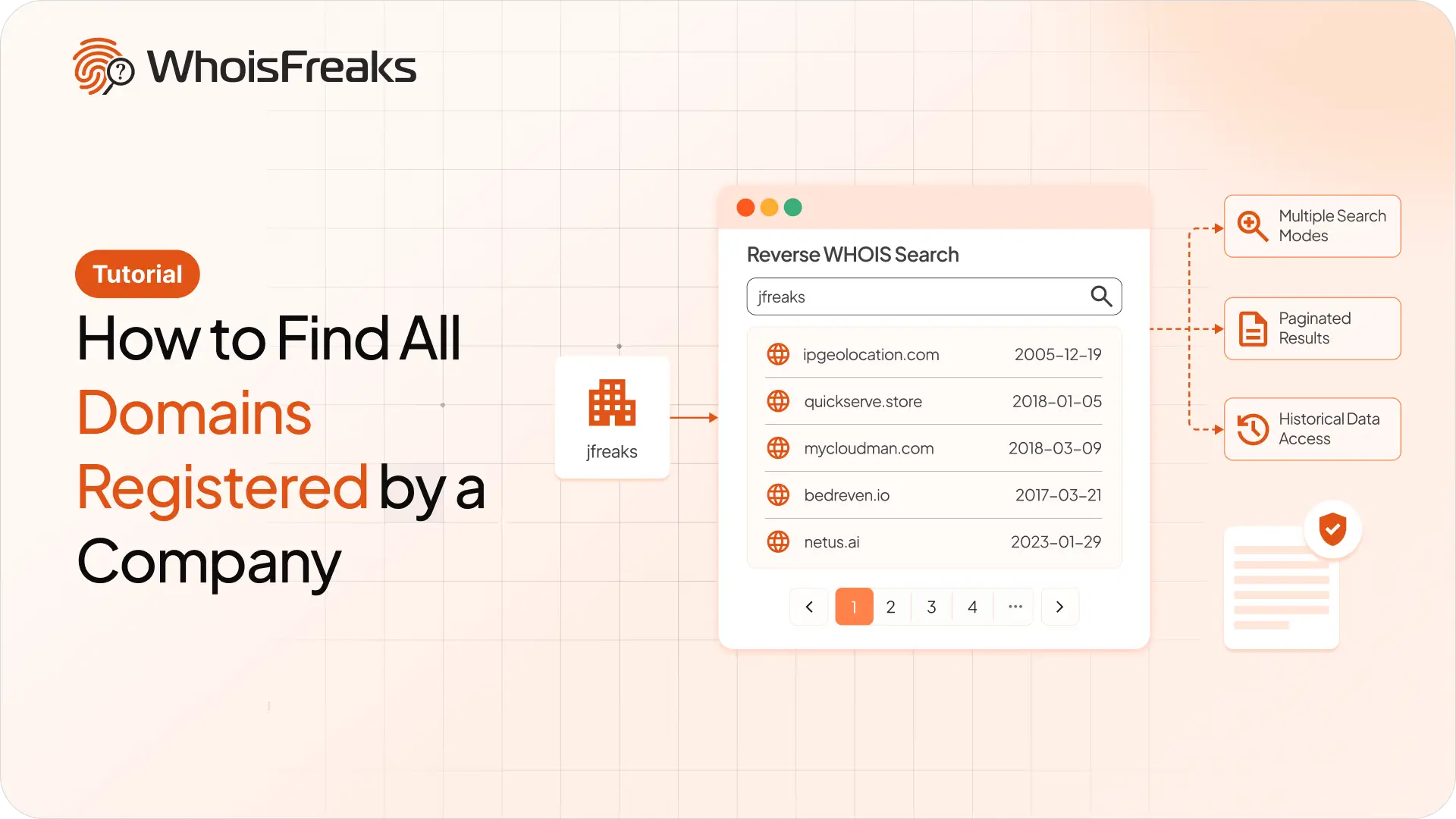
Use reverse WHOIS to find every domain a company registered. Pick the right search mode, page through results, and know what redaction hides.
9 min read

Pull WHOIS, live DNS, and subdomains from WhoisFreaks in XSOAR. Score the domain before any block fires. Auto-block high-risk or route to analyst review.
12 min read

ExpiredDomains.net does not offer any API to integrate its services into customer infrastructure. To access expired or deleted domain names via an API, you would need to rely on scraping or third‑party providers.
9 min read