
Tutorial
How Do You Run a Bulk WHOIS Lookup on Multiple Domains?

Written By Qasim, WhoisFreaks Team Published: April 22, 2026, Last Updated: July 28, 2026
Tutorial
Written By Qasim, WhoisFreaks Team Published: April 22, 2026, Last Updated: July 28, 2026
A bulk WHOIS lookup retrieves WHOIS registration data (registrant, registrar, dates, name servers, status) for many domain names in a single request, instead of querying them one at a time. WhoisFreaks provides three execution methods: a free web tool that handles up to 100 domains per submission, a REST API that processes 100 domains per request and integrates with security platforms, and a file upload method that processes up to 3 million domains per file. Use the web tool for ad hoc analyst work, the API for programmatic workflows, and file upload for portfolio or threat-feed scale.
Imagine you are a cybersecurity analyst, and you have just identified 500 suspicious domains from your threat feed. Or you are a brand protection manager who needs to check ownership details on 300 domains that look similar to your company name. Or you are a domain investor evaluating hundreds of expired domains before placing bids.
Now imagine doing each of those lookups one by one, manually. That is the problem bulk WHOIS lookup solves. This guide walks through what it returns, the three ways to run it on the WhoisFreaks platform, and which method fits which workload. The free web tool linked below runs the workflow; this article explains it.
A bulk WHOIS lookup is the process of retrieving WHOIS registration data for multiple domain names in a single request or automated batch, instead of querying each domain one at a time. Standard WHOIS lookup, defined by RFC 3912, queries one domain at a time. Bulk WHOIS extends that by submitting many domains together and returning structured records (JSON, XML, or CSV) for each one. Security teams, brand protection analysts, and domain investors use bulk WHOIS when their workflow involves dozens, hundreds, or millions of domains and individual lookups do not scale.
The WHOIS protocol (RFC 3912) and its modern replacement RDAP store publicly available registration information for every domain name on the internet. A standard WHOIS record contains:
When you run a bulk WHOIS lookup, you receive all or some of this data for every domain in your list, returned as a single structured response that is both machine-readable and human readable.
WhoisFreaks queries WHOIS records via the WHOIS protocol (RFC 3912) and the newer RDAP protocol from authoritative registries and registrars. Live API and tool requests return real-time records, not cached snapshots. The dataset covers more than 1,500 TLDs, including all gTLDs and the major ccTLDs. Privacy-redacted fields are returned exactly as the registrar publishes them; no PII is reconstructed. Redaction is governed by ICANN's Temporary Specification for gTLD Registration Data (effective May 17, 2018) and the EU GDPR (effective May 25, 2018). Country-code registries set their own publication rules and may return less data than gTLDs.
There are three ways to perform a bulk WHOIS lookup with WhoisFreaks: the free web tool, the REST API, and the file upload method for very large lists. Each method targets a different batch size and integration pattern. The decision matrix at the end of this section maps batch size to method.
The simplest way to get started with bulk WHOIS is through the WhoisFreaks web interface; no coding required.
Go to https://whoisfreaks.com/tools/whois/bulk/lookup
In the input field, enter or paste your list of domain names; one domain per line:
google.com
facebook.com
amazon.com
microsoft.com
apple.comClick the Search button to initiate the bulk lookup. WhoisFreaks will query WHOIS data for every domain in your list simultaneously.
It will ask you to login. If you don't have an account, you can create one by visiting signup page. Once logged in you will be redirected to bulk domain lookup tool again and it will fetch the data for you.
Results are returned in a structured table showing all WHOIS fields for each domain. You can scan registration dates, registrant details, nameservers, and expiry dates across all domains at a glance.
Download the results as JSON for further analysis in your preferred data tool.

This method fits ad hoc analyst work and small batches of suspicious or auditable domains. For lists above 100 domains or repeatable workflows, use Method 2 (API) or Method 3 (file upload).
For automation, integration into security platforms, or processing large domain lists programmatically, the Bulk WHOIS API is the right method. The endpoint accepts up to 100 domains per request, returns a structured JSON or XML response, and fits SIEM, SOAR, and custom investigation pipelines without translation work. Full request and response details are in the WHOIS API technical reference.
POST https://api.whoisfreaks.com/v2.0/bulkwhois/live?&apiKey=YOUR_API_KEY&format=json{
"domainNames": [
"whoisfreaks.com",
"facebook.net",
"ipgeolocation.io"
]
}| Parameter | Description | Example |
|---|---|---|
| apiKey | Your WhoisFreaks API key | YOUR_API_KEY |
| domains | Array of domain names to query | Up to 100 per request |
| format | The response format | xml or json |
{
  "bulk_whois_response": [
    {
      "status": true,
      "domain_name": "facebook.net",
      "query_time": "2026-04-14 07:25:31",
      "whois_server": "https://rdap.verisign.com/net/v1/",
      "domain_registered": "yes",
      "create_date": "2004-04-01",
      "update_date": "2025-04-23",
      "expiry_date": "2034-04-01",
      "domain_registrar": {
        "iana_id": "3237",
        "handle": "3237",
        "status": "accredited",
        "registrar_name": "RegistrarSafe, LLC",
        "normalized_name": "registrarsafe, llc",
        "rdap_server": "https://rdap.registrarsafe.com/"
      },
      "registrant_contact": {
        "name": "Domain Admin",
        "company": "Meta Platforms, Inc",
        "street": "1601 Willow Rd",
        "city": "Menlo Park",
        "state": "CA",
        "zip_code": "94025",
        "country_name": "United States",
        "country_code": "US",
        "email_address": "[email protected]",
        "phone": "+16505434800"
      },
      "technical_contact": {
        "name": "Domain Admin",
        "country_name": "United States",
        "country_code": "US",
        "email_address": "[email protected]",
        "phone": "+16505434800"
      },
      "abuse_contact": {
        "registrar_name": "Abuse Contact",
        "email_address": "[email protected]",
        "phone_number": "+16503087004"
      },
      "name_servers": [
        "b.ns.facebook.com",
        "c.ns.facebook.com",
        "a.ns.facebook.com",
        "d.ns.facebook.com"
      ],
      "domain_status": [
        "clientupdateprohibited",
        "clientdeleteprohibited",
        "clienttransferprohibited",
        "serverdeleteprohibited",
        "serverupdateprohibited",
        "servertransferprohibited"
      ],
      "registry_data": {
        "domain_name": "facebook.net",
        "query_time": "2026-04-14 07:25:30",
        "whois_server": "https://rdap.verisign.com/net/v1/",
        "domain_registered": "yes",
        "create_date": "2004-04-01",
        "update_date": "2025-04-23",
        "expiry_date": "2034-04-01",
        "domain_registrar": {
          "iana_id": "3237",
          "handle": "3237",
          "registrar_name": "RegistrarSafe, LLC"
        },
        "name_servers": [
          "b.ns.facebook.com",
          "c.ns.facebook.com",
          "a.ns.facebook.com",
          "d.ns.facebook.com"
        ],
        "domain_status": [
          "clientupdateprohibited",
          "clientdeleteprohibited",
          "clienttransferprohibited",
          "serverdeleteprohibited",
          "serverupdateprohibited",
          "servertransferprohibited"
        ]
      }
    },
    {
      "status": true,
      "domain_name": "ipgeolocation.io",
      "query_time": "2026-04-14 07:25:31",
      "whois_server": "whois.nic.io",
      "domain_registered": "yes",
      "create_date": "2018-02-26",
      "update_date": "2026-02-01",
      "expiry_date": "2027-02-26",
      "domain_registrar": {
        "iana_id": "1068",
        "status": "accredited",
        "registrar_name": "NameCheap, Inc",
        "normalized_name": "namecheap, inc.",
        "whois_server": "whois.namecheap.com",
        "rdap_server": "https://rdap.namecheap.com/",
        "website_url": "http://www.namecheap.com",
        "email_address": "[email protected]",
        "phone_number": "+19854014545"
      },
      "registrant_contact": {
        "id": "REDACTED",
        "name": "REDACTED",
        "company": "Privacy service provided",
        "street": "REDACTED",
        "city": "REDACTED",
        "state": "Capital Region",
        "zip_code": "REDACTED",
        "country_name": "Iceland",
        "country_code": "IS",
        "email_address": "REDACTED",
        "phone": "REDACTED",
        "fax": "REDACTED"
      },
      "administrative_contact": {
        "id": "REDACTED",
        "name": "REDACTED",
        "company": "REDACTED",
        "street": "REDACTED",
        "city": "REDACTED",
        "state": "REDACTED",
        "zip_code": "REDACTED",
        "country_name": "REDACTED",
        "country_code": "N/A",
        "email_address": "REDACTED",
        "phone": "REDACTED",
        "fax": "REDACTED"
      },
      "technical_contact": {
        "id": "REDACTED",
        "name": "REDACTED",
        "company": "REDACTED",
        "street": "REDACTED",
        "city": "REDACTED",
        "state": "REDACTED",
        "zip_code": "REDACTED",
        "country_name": "REDACTED",
        "country_code": "N/A",
        "email_address": "REDACTED",
        "phone": "REDACTED",
        "fax": "REDACTED"
      },
      "name_servers": [
        "cheryl.ns.cloudflare.com",
        "nash.ns.cloudflare.com"
      ],
      "domain_status": [
        "clienttransferprohibited"
      ],
      "whois_raw_domain": "RAW Data"
    },
    {
      "status": true,
      "domain_name": "whoisfreaks.com",
      "query_time": "2026-04-14 07:25:31",
      "whois_server": "https://rdap.verisign.com/com/v1/",
      "domain_registered": "yes",
      "secure_dns": true,
      "create_date": "2019-03-19",
      "update_date": "2026-02-17",
      "expiry_date": "2027-03-19",
      "domain_registrar": {
        "iana_id": "1068",
        "handle": "1068",
        "status": "accredited",
        "registrar_name": "NameCheap, Inc",
        "normalized_name": "namecheap, inc.",
        "whois_server": "whois.namecheap.com",
        "rdap_server": "https://rdap.namecheap.com/",
        "website_url": "http://www.namecheap.com",
        "email_address": "[email protected]",
        "phone_number": "+16613102107"
      },
      "registrant_contact": {
        "handle": "090bade428c949e7669908d6ac8943b2-Namech",
        "company": "Privacy service provided",
        "street": "Kalkofnsvegur 2",
        "city": "Reykjavik",
        "state": "Capital Region",
        "zip_code": "101",
        "country_name": "Iceland",
        "country_code": "IS",
        "email_address": "[email protected]",
        "phone": "+3544212434"
      },
      "technical_contact": {
        "handle": "b55d6e2a2d2e42058c2408d6ac64a4dc-Namech",
        "company": "Privacy service provided by Withheld for Privacy ehf",
        "street": "Kalkofnsvegur 2",
        "city": "Reykjavik",
        "state": "Capital Region",
        "zip_code": "101",
        "country_name": "Iceland",
        "country_code": "IS",
        "email_address": "[email protected]",
        "phone": "+3544212434"
      },
      "abuse_contact": {
        "registrar_name": "NAMECHEAP INC",
        "email_address": "[email protected]",
        "phone_number": "+19854014545"
      },
      "name_servers": [
        "albert.ns.cloudflare.com",
        "sue.ns.cloudflare.com"
      ],
      "domain_status": [
        "clienttransferprohibited"
      ],
      "registry_data": {
        "domain_name": "whoisfreaks.com",
        "query_time": "2026-04-14 07:25:30",
        "whois_server": "https://rdap.verisign.com/com/v1/",
        "domain_registered": "yes",
        "create_date": "2019-03-19",
        "update_date": "2026-02-17",
        "expiry_date": "2027-03-19",
        "domain_registrar": {
          "iana_id": "1068",
          "handle": "1068",
          "registrar_name": "NameCheap, Inc",
          "whois_server": "whois.namecheap.com",
          "email_address": "[email protected]",
          "phone_number": "+16613102107"
        },
        "name_servers": [
          "albert.ns.cloudflare.com",
          "sue.ns.cloudflare.com"
        ],
        "domain_status": [
          "clienttransferprohibited"
        ]
      }
    }
  ]
}
The Bulk WHOIS API processes up to 100 domains per request, with each successful domain consuming one API credit. Failed or invalid requests do not deduct credits. For lists larger than 100 domains, paginate the request in batches of 100 (loop over chunks in the language of your choice), or use Method 3 (file upload) to push the entire list in one submission.
For enterprise-scale use cases involving thousands or millions of domains, WhoisFreaks supports file-based bulk WHOIS lookups through the dashboard. The file upload method accepts plain text (.txt) or CSV files with one domain per line, processes them asynchronously, and emails the completed CSV when the job finishes.
Create a plain text or CSV file with one domain per line:
example1.com
example2.com
example3.comSign in to the WhoisFreaks dashboard, navigate to Utility > Bulk Whois, select File Upload, and submit. The current limit is 3 million domains per file.

Large files are processed asynchronously. WhoisFreaks emails a notification when results are ready to download.
Download the completed CSV from the dashboard. Each row is one domain with its full WHOIS field set, ready to load into a spreadsheet, database, or threat intelligence platform.
This method fits threat intelligence database enrichment, large-scale compliance screening, domain portfolio audits, and academic research projects.
Choose the method by batch size and how the results need to be consumed.
| Your situation | Recommended method | Why |
|---|---|---|
| 1 to 5 ad hoc domains, one-time check | Web tool | No setup; results in seconds |
| 6 to 100 domains, one-time investigation | Web tool | Single submission with table view and JSON export |
| 100 to 1,000 domains per run, repeated | REST API (paginate in batches of 100) | Repeatable, scriptable, structured JSON output |
| Thousands per day from SIEM, SOAR, or pipeline | REST API | Programmatic, fits automation |
| 1,000 to 3,000,000 domains, async OK | File upload | Async processing, CSV delivery |
| Live monitoring of a watchlist | REST API + scheduler | Schedule polls, alert on change |
| Historical ownership timeline for a single domain | WHOIS History API (different product) | Bulk WHOIS returns the current state only |
Bulk WHOIS returns the current state of registration. For ownership history of a domain over time, use the WHOIS History API. For finding all domains tied to a registrant, use the Reverse WHOIS API.
| Feature | Individual WHOIS | Bulk WHOIS |
|---|---|---|
| Domains per query | 1 | Up to 100 (API) / 3M (file upload) |
| Speed | Slow for large lists | Fast; parallel processing |
| Automation | Manual | Fully automatable via API |
| Output format | Web display, (JSON and XML via API) | CSV |
| Credits used | 1 per successful lookup | 1 per successful domain query |
| Best for | Quick single checks | Investigation, research, monitoring |
| Integration | No, (Yes, via API) | Yes, SIEM, SOAR, custom tools |
Here is a complete breakdown of the fields returned in a bulk WHOIS response:
| WHOIS Field | Description | Use Case |
|---|---|---|
| Domain Name | The queried domain | Identifier / reference |
| Registration Status | Whether the domain is registered or available | Availability checks, domain monitoring |
| Creation Date | When the domain was first registered | Detecting newly registered suspicious domains |
| Updated Date | Last WHOIS record modification | Identifying recent ownership or configuration changes |
| Expiry Date | When the domain registration expires | Domain portfolio monitoring, expiry alerts |
| Registrar Name | Company that registered the domain | Identifying registrar patterns across domains |
| Registrar IANA ID | Unique registrar identifier | Compliance, registrar tracking |
| Registrant Name | Name of the domain owner | Ownership verification, fraud investigation |
| Registrant Organization | Organization owning the domain | Corporate due diligence |
| Registrant Email | Contact email of the owner | Reverse WHOIS pivoting, fraud detection |
| Registrant Phone | Contact phone number | Identity verification |
| Registrant Address | Physical address of registrant | Compliance screening |
| Registrant Country | Country of registration | Geopolitical risk assessment |
| Administrative Contact | Admin responsible for domain decisions | Operational accountability |
| Technical Contact | Technical manager of domain infrastructure | Incident response, DNS troubleshooting |
| Billing Contact | Contact for payments and renewals | Financial tracking, renewal management |
| Name Servers | DNS servers controlling the domain | Infrastructure mapping, DNS analysis |
| Domain Status | Current domain state (e.g., active, clientHold) | Active monitoring, threat detection |
| WHOIS Server | Server providing WHOIS data | Data source validation |
| RDAP Server | Structured WHOIS alternative endpoint | Modern data retrieval, automation |
| Registry Data | Authoritative registry-level domain data | Cross-verification, data accuracy checks |

These fields define the lifecycle of the domain:
These indicate whether the domain is currently registered:
These represent different roles associated with domain ownership and management. Each contact contains similar fields like name, organization, email, phone, and address.
Details about the organization through which the domain was registered:
These indicate the current state and restrictions applied to the domain:
Common values include:
These statuses are defined by ICANN and registries.
These control how the domain points to hosting services (websites, email, etc.).
Bulk WHOIS lookup turns a per-domain manual task into a single structured request. Whether the workflow involves 50 domains from a threat feed, a 500-domain corporate portfolio, or 10,000 lookalike domains for brand monitoring, the registration data comes back the same way: structured, timestamped, ready to filter.
WhoisFreaks supports up to 100 domains per API request and up to 3 million domains per file upload, with results in JSON, XML, or CSV that drop into SIEM, SOAR, and automation tools without translation work. The free web tool covers small ad hoc batches with no setup at all.
The difference between an analyst checking 10 domains by hand and one processing 10,000 through an API is not effort. It is which of the three methods above matches the batch size.
Ready to integrate bulk WHOIS into your stack? Start with the Bulk WHOIS API documentation, or review API credit pricing if your batch volume needs estimating.
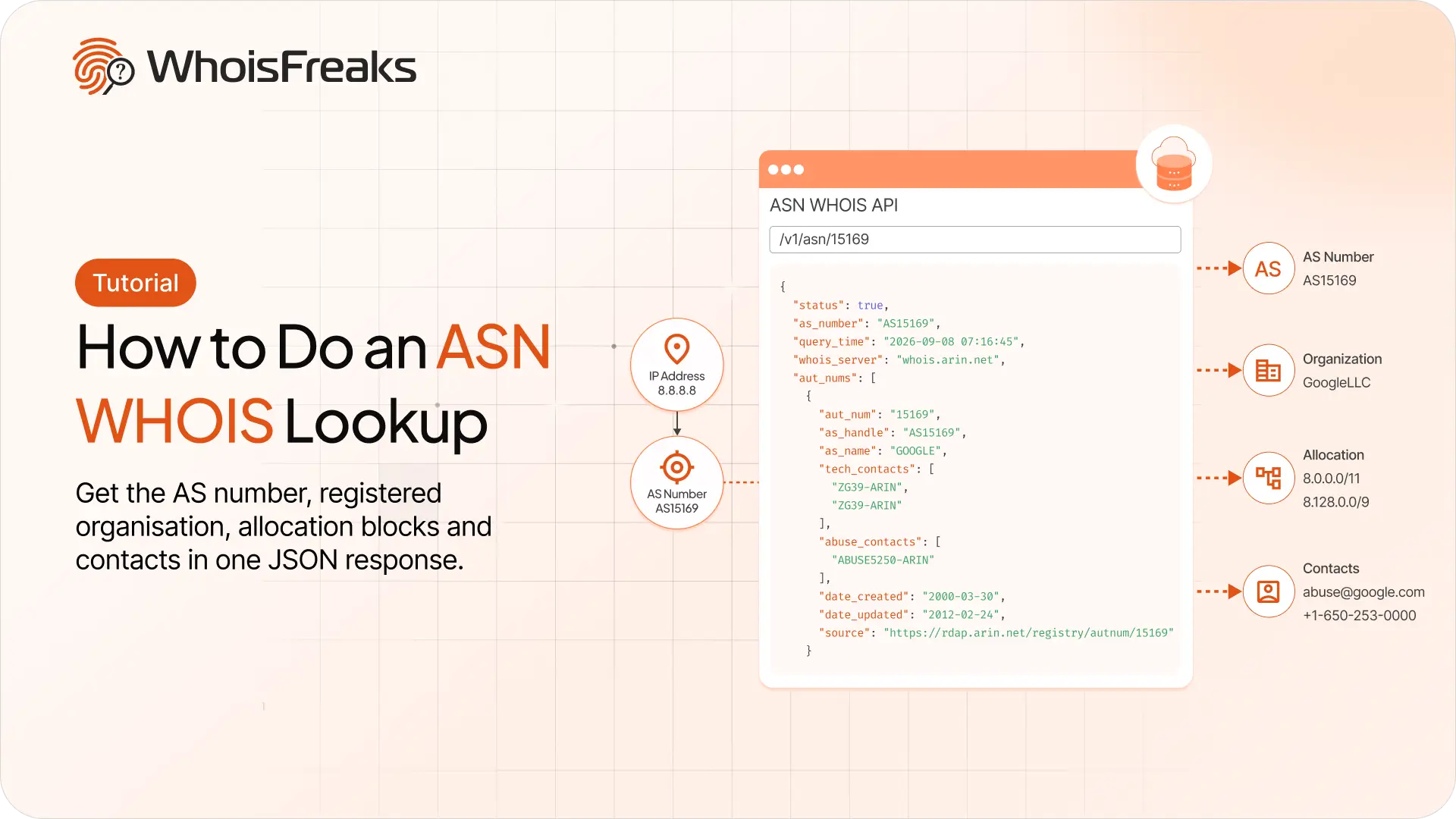
Run an ASN lookup with the WhoisFreaks ASN WHOIS API. Get the AS number, registered organisation, allocation blocks and contacts in one JSON response.
12 min read
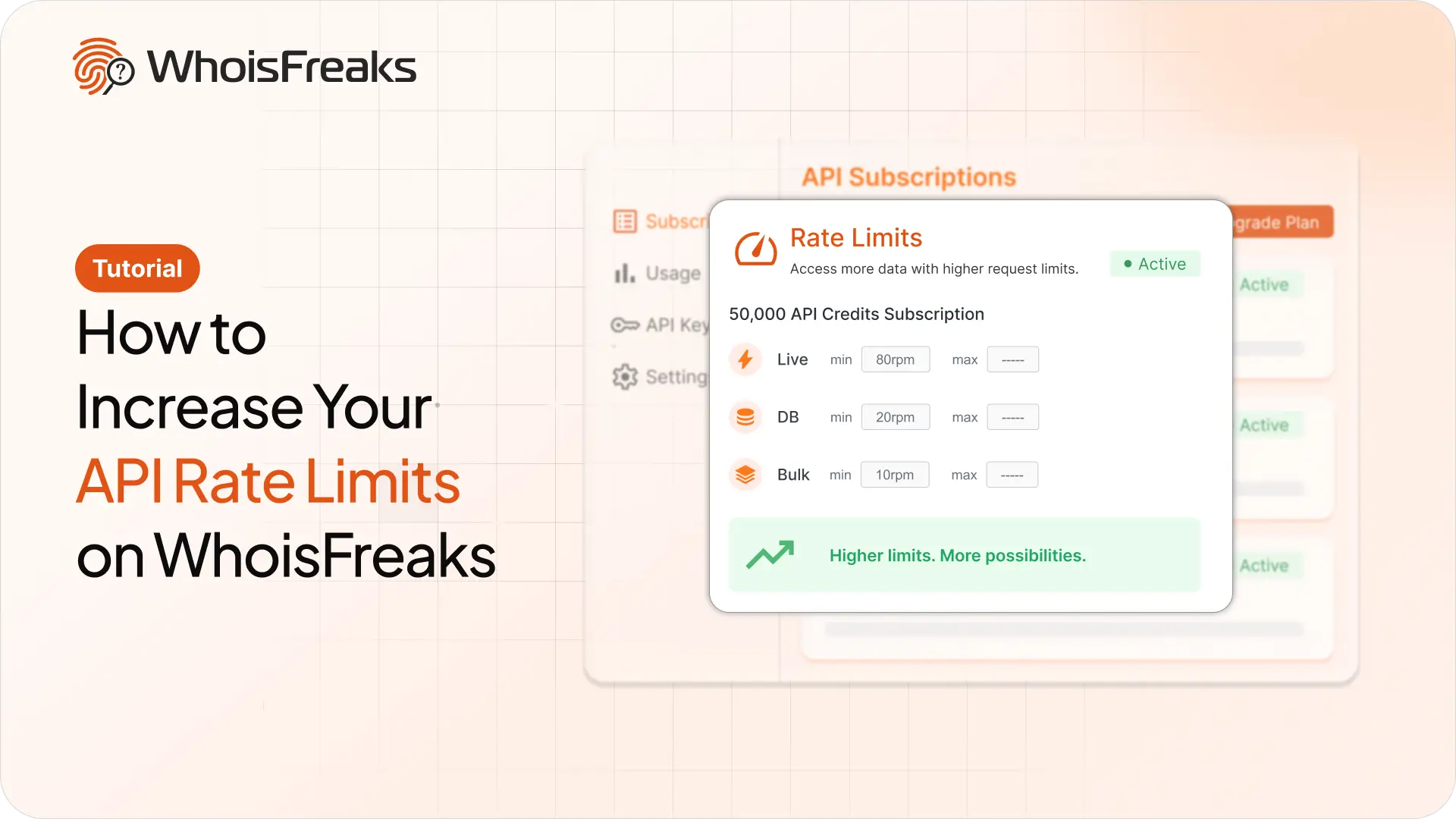
Getting 429s with credits to spare? Raise your requests per minute from the billing dashboard and see what the add-on costs first.
8 min read
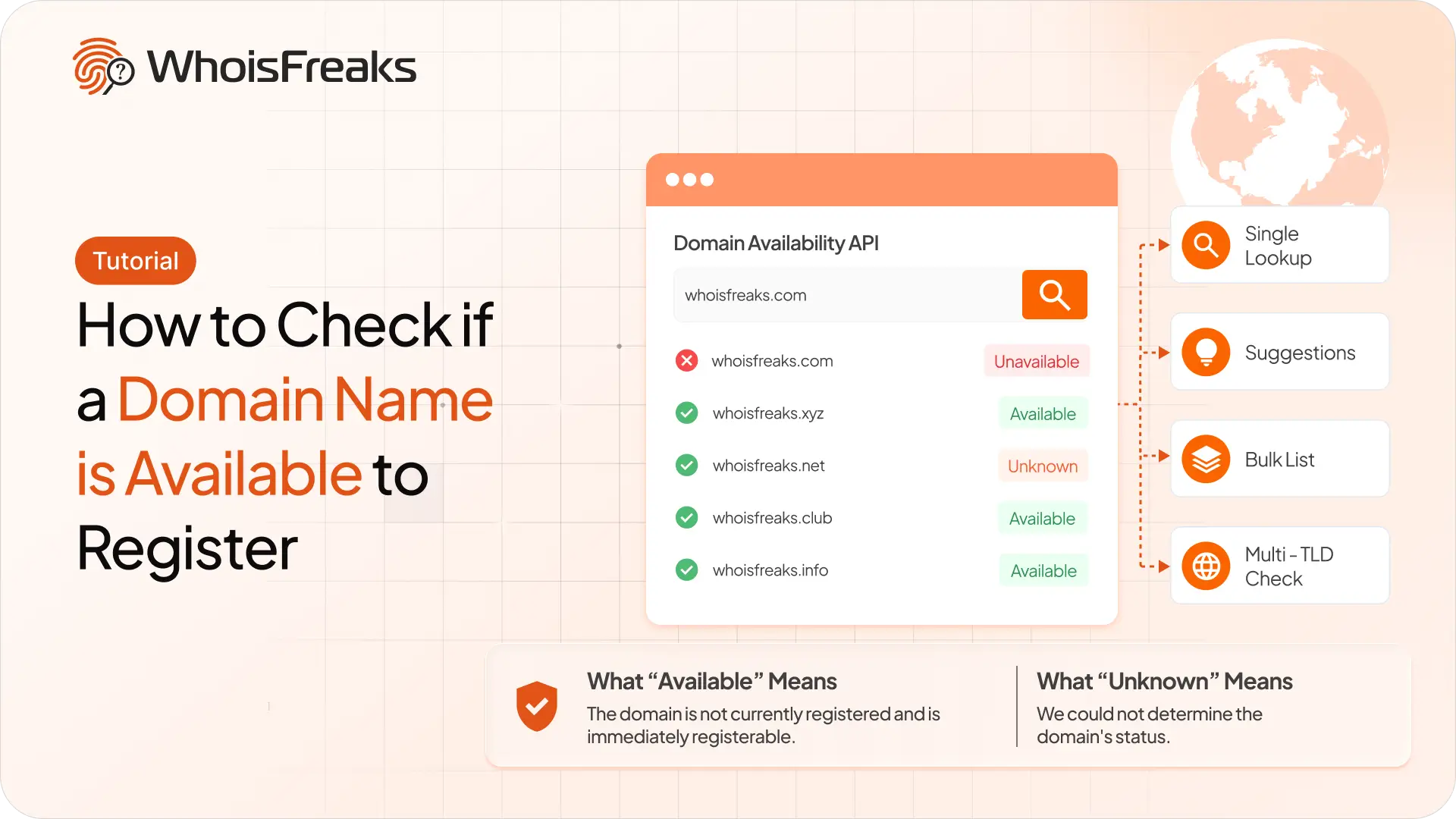
Check whether a domain name is free to register with the WhoisFreaks Domain Availability API - single lookups, suggestions, bulk lists and multi-TLD checks.
10 min read