
Tutorial
How to Find All Domains Registered to an Email Address

Written By Qasim, WhoisFreaks Team Published: May 22, 2026, Last Updated: May 22, 2026
Tutorial
Written By Qasim, WhoisFreaks Team Published: May 22, 2026, Last Updated: May 22, 2026
Every domain registration leaves a trace, most importantly owner/registrant details like the contact email in the WHOIS record. Reverse WHOIS lookup by email leverages this by allowing you to input an email address and uncover all domains linked to it. What starts as a single domain can quickly expand into a broader network of related assets controlled by the same individual, organization, or threat actor.
This technique is widely used in cybersecurity, OSINT, brand protection, and business research. It helps identify phishing infrastructure, detect fraud, map competitor domain portfolios, and perform due diligence on partners or suppliers, making it a powerful and accessible tool even for non-technical users.

Reverse WHOIS email lookup is the process of querying a WHOIS database using an email address as the search input instead of a domain name; and retrieving all domain names that have been registered using that email address as the registrant contact. This technique helps identify all domains linked to specific WHOIS record details, which is especially useful for purposes such as cybercrime investigation and market analysis.
To understand why this is powerful, it helps to first understand how standard WHOIS works.
When a domain is registered, the registrant provides personal or organizational contact information; name, email, phone, address, and organization; which is stored in a publicly accessible WHOIS record. Standard WHOIS lookup lets you query this data by domain name: enter example.com and see who registered it.
For a complete lookup of any domain name, you can try WHOIS lookup tool.
Reverse WHOIS inverts this relationship entirely. Instead of asking "who owns this domain?", you ask "what domains does this person or email own?" The result is a complete list of every domain name in the WHOIS database that has ever been associated with the queried email address; across all TLDs and registrars, historically and currently. Reverse WHOIS searches rely on indexed databases containing billions of current and historical domain registration records.
A single email address can be connected to hundreds or even thousands of domains registrations, making reverse WHOIS email lookup an exceptionally efficient way to map the full digital footprint of any registrant.

When you perform a reverse WHOIS lookup by email, you receive a list of domain records; each containing the full WHOIS registration details for that domain. Here is what each record typically includes:
| Field | Description |
|---|---|
| Domain Name | The domain registered using the queried email |
| Query Time | The time at which the domain was queried for live WHOIS |
| Creation Date | When the domain was first registered |
| Updated Date | Last modification to the WHOIS record |
| Expiry Date | When the domain registration expires |
| Name Servers | The NS records associated with the domain name |
| Domain Status | The Domain status(es) of domain when it was queried |
| Registrar Details | |
| Name | The registrar through which the domain was registered |
| IANA ID | The unique identifier assigned to the registrar by IANA |
| WHOIS server | The WHOIS server address provided by the registrar |
| Website URL | The official website of the registrar |
| Registrant/Owner, Billing, Technical, and Admin Details | |
| Name | Name associated with the registration |
| Company | Organization/Company name if applicable |
| The queried email address (confirmed match) | |
| Phone/Fax | Contact phone and fax numbers of the registrant |
| Mailing address | Complete address like city, state, country of the registrant |
| There are some other fields too that you can see by performing a reverse lookup | |
It is important to keep your WHOIS information accurate and up to date. If you need to update or correct your WHOIS information, you can do so through your domain registrar, ensuring that your contact details in the WHOIS database remain current.
WHOIS Lookup reports are parsed and normalized so professionals can easily access and make sense of the information they provide.
There are two primary ways to perform a reverse WHOIS lookup by email using WhoisFreaks; the free web tool and the Reverse WHOIS API for programmatic access. You can test the WhoisFreaks reverse WHOIS lookup tool to verify domain information, perform investigations, or conduct market research.
The simplest way to find all domains registered to an email address is through the WhoisFreaks web interface, no technical knowledge required.
Go to https://whoisfreaks.com/tools/whois/reverse/lookup

Type the email address you want to investigate into the search field:
[email protected]Below the search input, select/check Email to perform a reverse WHOIS lookup by email address. You can also try the reverse lookup based on other filters like a keyword, owner/registrant name or company name.
After selecting email filter, check the contact type you want to be included in response. Like if you want to get all domains where billing address contains the entered email, check the Billing radio button.
Click Search to initiate the reverse WHOIS email lookup. WhoisFreaks will query its database of 7.1+ billion WHOIS records and return all domains associated with the entered email address.
Note: You may need to sign in to access full results or advanced features. And don't worry about any payments, you get 500 Free Credits on signup.
Results are returned in a structured list showing all matched domain names along with their WHOIS details, like registrar details, creation date, expiry date, registrant details, status, etc.
Download the full results as CSV for further analysis.

For automation, integration into security platforms, or building reverse WHOIS email lookup into your own applications, the API is the right approach.
API Endpoint:
GET curl --location 'https://api.whoisfreaks.com/v1.0/whois?apiKey=YOUR_API_KEY&whois=reverse&[email protected]&includes=billing&page=1'Key Parameters:
| Parameter | Description | Example |
|---|---|---|
| whois | Set to reverse for reverse WHOIS | reverse |
| apiKey | Your WhoisFreaks API key | YOUR_API_KEY |
| The email address to search (allows regex like m*@gmail.com, *@google.com) | [email protected] | |
| includes | The domains whose WHOIS contains contact details with the specified email (admin, technical, registrant or billing) | billing |
| page | Page number for paginated results (each page contains a max of 100 records) | 1 |
Sample Response Structure for above request:
{
  "total_Result": 124,
  "total_Pages": 3,
  "current_Page": 1,
  "whois_domains_historical": [
    {
      "num": 1,
      "status": true,
      "domain_name": "alphabet.markets",
      "query_time": "2020-04-06 11:20:18",
      "create_date": "2015-08-12",
      "expiry_date": "2020-08-12",
      "domain_registrar": {
        "iana_id": "292",
        "registrar_name": "markmonitor inc",
        "whois_server": "whois.markmonitor.com",
        "website_url": "http://www.markmonitor.com"
      },
      "registrant_contact": {
        "name": "Domain Administrator",
        "company": "Google LLC",
        "city": "Mountain View",
        "state": "CA",
        "zip_code": "94043",
        "country_name": "United States",
        "country_code": "US",
        "email_address": "[email protected]",
        "phone": "+16502530000",
        "fax": "+16502530001"
      },
      "administrative_contact": {
        "name": "Domain Administrator",
        "company": "Google LLC",
        "city": "Mountain View",
        "state": "CA",
        "zip_code": "94043",
        "country_name": "United States",
        "country_code": "US",
        "email_address": "[email protected]",
        "phone": "+16502530000",
        "fax": "+16502530001"
      },
      "technical_contact": {
        "name": "Domain Administrator",
        "company": "Google LLC",
        "city": "Mountain View",
        "state": "CA",
        "zip_code": "94043",
        "country_name": "United States",
        "country_code": "US",
        "email_address": "[email protected]",
        "phone": "+16502530000",
        "fax": "+16502530001"
      },
      "billing_contact": {
        "name": "Domain Administrator",
        "company": "Google LLC",
        "city": "Mountain View",
        "state": "CA",
        "zip_code": "94043",
        "country_name": "United States",
        "country_code": "US",
        "email_address": "[email protected]",
        "phone": "+16502530000",
        "fax": "+16502530001"
      },
      "name_servers": [
        "ns1.googledomains.com",
        "ns3.googledomains.com",
        "ns2.googledomains.com",
        "ns4.googledomains.com"
      ],
      "domain_status": [
        "clientupdateprohibited",
        "clientdeleteprohibited",
        "clienttransferprohibited"
      ]
    },
    {
      "num": 2,
      "status": true,
      "domain_name": "xn--9dblh6b.xn--9dbq2a",
      "query_time": "2024-09-21 13:51:14",
      "create_date": "2018-10-16",
      "update_date": "2024-09-15",
      "expiry_date": "2025-10-16",
      "domain_registrar": {
        "iana_id": "292",
        "registrar_name": "markmonitor inc",
        "whois_server": "whois.markmonitor.com",
        "website_url": "http://www.markmonitor.com"
      },
      "registrant_contact": {
        "name": "Domain Administrator",
        "company": "Google LLC",
        "city": "Mountain View",
        "state": "CA",
        "zip_code": "94043",
        "country_name": "United States",
        "country_code": "US",
        "email_address": "[email protected]",
        "phone": "+16502530000",
        "fax": "+16502530001"
      },
      "administrative_contact": {
        "name": "Domain Administrator",
        "company": "Google LLC",
        "city": "Mountain View",
        "state": "CA",
        "zip_code": "94043",
        "country_name": "United States",
        "country_code": "US",
        "email_address": "[email protected]",
        "phone": "+16502530000",
        "fax": "+16502530001"
      },
      "technical_contact": {
        "name": "Domain Administrator",
        "company": "Google LLC",
        "city": "Mountain View",
        "state": "CA",
        "zip_code": "94043",
        "country_name": "United States",
        "country_code": "US",
        "email_address": "[email protected]",
        "phone": "+16502530000",
        "fax": "+16502530001"
      },
      "billing_contact": {
        "name": "Domain Administrator",
        "company": "Google LLC",
        "city": "Mountain View",
        "state": "CA",
        "zip_code": "94043",
        "country_name": "United States",
        "country_code": "US",
        "email_address": "[email protected]",
        "phone": "+16502530000",
        "fax": "+16502530001"
      },
      "name_servers": [
        "ns1.googledomains.com",
        "ns3.googledomains.com",
        "ns2.googledomains.com",
        "ns4.googledomains.com"
      ],
      "domain_status": [
        "clientupdateprohibited",
        "clientdeleteprohibited",
        "clienttransferprohibited"
      ]
    },
    // .. continues to 100 records
  ]
}
Results are paginated with up to 100 records per page. Always check totalPages, total_Pages (or any other key specifying total pages count) in the response and loop through all pages to retrieve the complete dataset.
While email is the most common search attribute, WhoisFreaks Reverse WHOIS also supports lookup by other WHOIS fields; giving you additional pivoting options when an email alone is not enough:
| Search Type | Parameter | Example Value |
|---|---|---|
| [email protected] | ||
| Owner | registrant name | elon musk |
| company | Organization |
These additional search types are powerful in cases where a threat actor uses throwaway email addresses but consistently uses the same owner's name or organization name across registrations. They also help users manage and update WHOIS information associated with their registered domains, making it easier to keep domain registration records accurate and up to date.
Finding all domains registered to an email address is one of the fastest and most effective techniques in domain intelligence and it starts with a single reverse WHOIS email lookup.
From uncovering a threat actor's complete phishing infrastructure to mapping a competitor's domain portfolio to conducting corporate due diligence before an acquisition, the reverse WHOIS email technique consistently delivers intelligence that standard domain lookups simply cannot provide. One email address. Hundreds of domains. In seconds.
With WhoisFreaks maintaining a database of 7.1+ billion WHOIS records including both current and historical data you have access to one of the deepest reverse WHOIS databases available, through a free web tool or a fully automatable REST API.
The next time you encounter a suspicious domain, do not stop at the domain. Look up the email. The full picture is always bigger than it first appears.
Ready to find all domains registered to an email address?
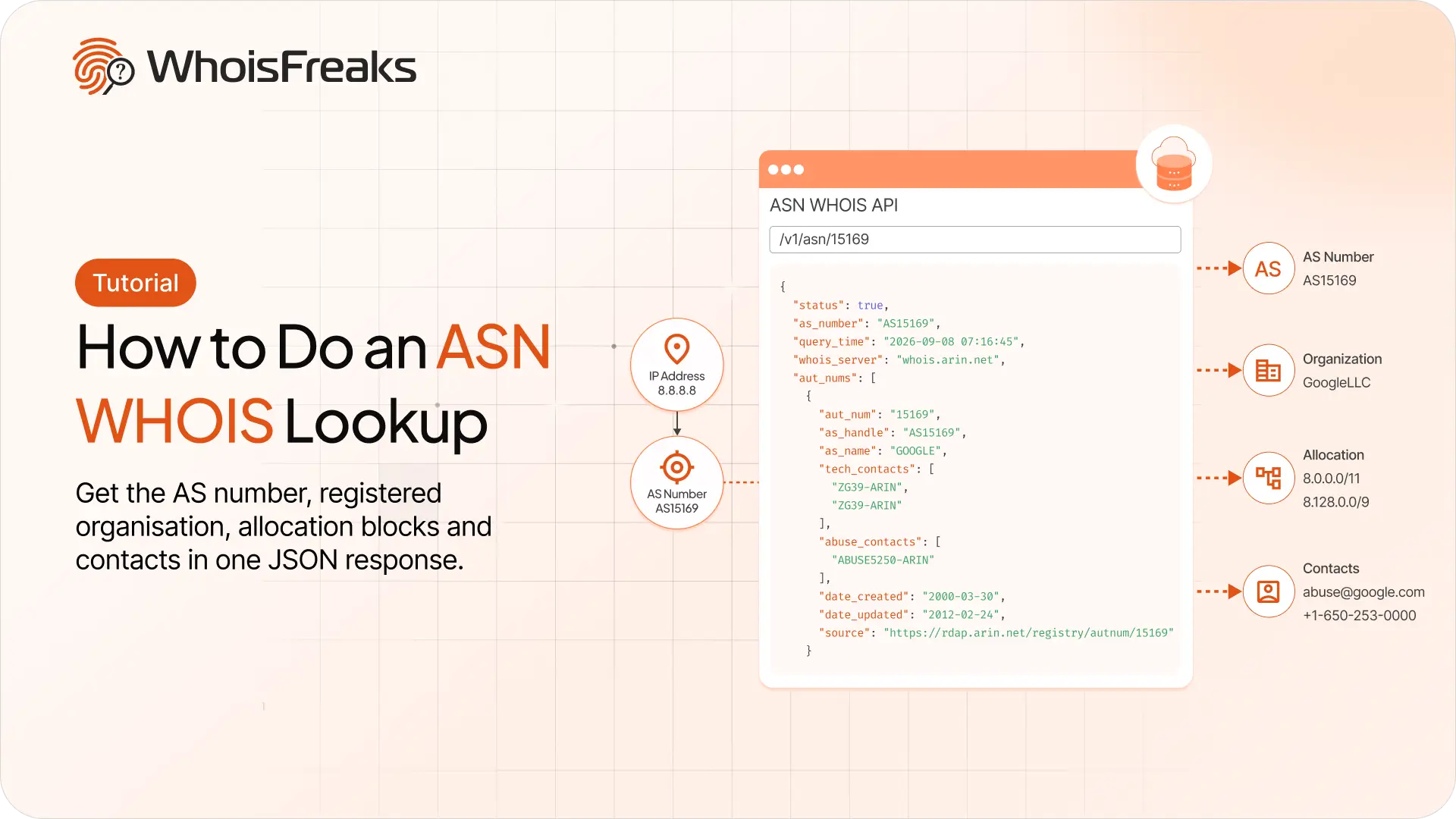
Run an ASN lookup with the WhoisFreaks ASN WHOIS API. Get the AS number, registered organisation, allocation blocks and contacts in one JSON response.
12 min read

Getting 429s with credits to spare? Raise your requests per minute from the billing dashboard and see what the add-on costs first.
8 min read
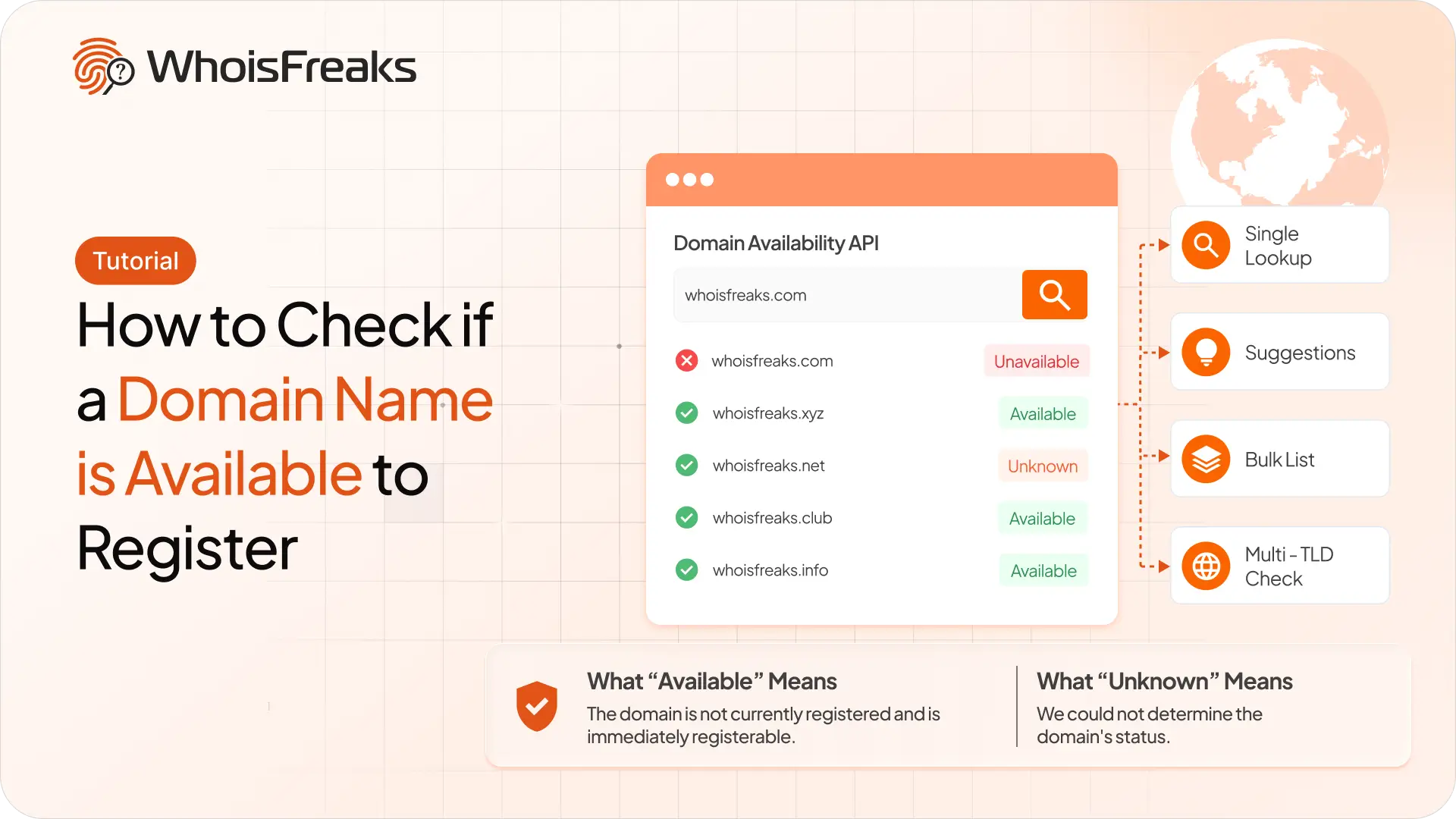
Check whether a domain name is free to register with the WhoisFreaks Domain Availability API - single lookups, suggestions, bulk lists and multi-TLD checks.
10 min read