
Tutorial
WHOIS Database Access: 5 Methods to Get Data at Scale

Written By Qasim, WhoisFreaks Team Published: June 04, 2026, Last Updated: September 01, 2026
Tutorial
Written By Qasim, WhoisFreaks Team Published: June 04, 2026, Last Updated: September 01, 2026
WHOIS data tells you who registered a domain, when, and through which registrar. One lookup at a time is fine for a single domain. It breaks down when you need to analyze millions of records for threat detection, fraud investigation, brand protection, or market research.
Bulk access solves that. WhoisFreaks exposes its WHOIS dataset through several methods, and the right one depends on whether you need a local copy of the data or live calls inside an application. This guide walks through each method, what it returns, and the use case it fits.
Quick answer: WhoisFreaks offers five ways to access WHOIS data at scale. A full database download gives you a complete CSV snapshot. Update files keep that snapshot current. The WHOIS API returns live records over REST. Filtered databases narrow the data to a country, TLD, or registrar. The historical database provides past registration snapshots going back to 1986. Bulk files suit local platforms; the API suits real-time enrichment.
A WHOIS database is a structured collection of domain registration records for all registered domains. It contains authoritative metadata maintained by domain registries.
Each WHOIS record typically includes:
active, clientTransferProhibited, clientDeleteProhibitedA WHOIS lookup allows users to identify domain ownership, registration history, and technical configuration. This makes WHOIS data essential for cybersecurity investigations, domain intelligence, and internet-wide analysis.
| Field Category | Details |
|---|---|
| TLD Coverage | 1,520+ TLDs including all gTLDs and ccTLDs |
| Active Domains Tracked | 693.5M+ |
| Total Domains Tracked | 909.5M+ |
| WHOIS Records | 3.9B+ |
| Hostnames | 6.2B+ |
| DNS Records | 16.1B+ |
| Parsed Fields per WHOIS Record | 60+ structured fields including registrant, registrar, and technical data |
| Historical Coverage | Data available back to 1986 |
| Organization Data | Extracted to identify entities behind domain registrations |
| Domain Availability | Indicates whether a domain is currently unregistered and available for purchase |
| Output Format | CSV |
| Update Cadence | Daily, weekly, monthly, one-time snapshot |
| Filter Options | Country, TLD, registrar, and custom filters |
The full WHOIS database gives you a complete snapshot of all WHOIS records across all covered TLDs in a single download.
Visit WHOIS Database product page
Pricing is tiered based on data volume and update frequency. Options include:
Note: Downloading the entire global WHOIS dataset is typically a paid service due to its size and the need for constant updates.
After purchase, download the full database or daily update files via the WhoisFreaks billing dashboard. No technical setup is required. Files are delivered as compressed CSV downloads with a personalized number of chunks.
The CSV files are clean and fully parsed, designed to match common data platform requirements. They can be easily integrated into existing solutions and systems, ensuring compatibility and convenience for your workflows.
If you already have a base snapshot and need to keep it current, update files let you synchronize your local database with the latest changes without downloading the full dataset repeatedly. These update files are essential for monitoring new registrations and changes to registration data, enabling users to track domain registrations for security, brand protection, and operational insights.
| Update Frequency | Best For |
|---|---|
Daily |
Threat detection, fraud prevention, time-sensitive workflows |
Weekly |
Security audits, compliance checks, research |
Monthly |
Long-term trend analysis, data warehousing |
Quarterly Snapshots |
Full database refresh points |
Download full or daily updates of the WHOIS database via the billing dashboard or using the API to stay ahead of threats.

If you prefer programmatic access over bulk file downloads, the WhoisFreaks WHOIS API serves the same dataset through REST endpoints. Query by domain name or IP address and the API returns registration data, DNS records, host details, and domain status. It supports both Thin and Thick WHOIS models, returning either basic registrar and status data or full contact and registration records.
The API also supports the Registration Data Access Protocol (RDAP), the standardized successor to legacy WHOIS. RDAP returns structured registration data with clearer access controls across domain, DNS, and IP queries.
GET "https://files.whoisfreaks.com/v3.3/download/dbupdate/daily/domains/whois?apiKey=YOUR_API_KEY&date=2026-05-19"GET "https://api.whoisfreaks.com/v2.0/whois/live?&domainName=whoisfreaks.com&apiKey=YOUR_API_KEY&format=json"GET "https://api.whoisfreaks.com/v1.0/whois?whois=historical&domainName=whoisfreaks.com&apiKey=YOUR_API_KEY"POST "https://api.whoisfreaks.com/v2.0/bulkwhois/live?apiKey=YOUR_API_KEY&format=json" -H "Content-Type: application/json" -d '{"domainNames":["jfreaks.com","whoisfreaks.com"]}'For more details, please visit WHOIS Database API documentation.
The API returns structured JSON or XML and supports live WHOIS, historical WHOIS, reverse WHOIS, and bulk WHOIS in a single integration. New accounts get 500 free API credits on signup with no credit card required.

If you do not need the full global database, WhoisFreaks lets you purchase filtered subsets of the WHOIS database based on specific criteria. These filtered WHOIS databases are especially useful for searching domain availability, tracking new domains, and studying domain footprints. They are also valuable for fighting phishing and supporting brand protection efforts. Acceptable uses of WHOIS data include legitimate domain acquisition research, in addition to cybersecurity and intellectual property monitoring. This is more cost-effective and easier to work with when your use case is focused on a particular market or registrar.
Get WHOIS records by country, such as the United States, United Kingdom, or by specific ccTLDs like .uk, .ca, .pk, and .cn. Country-specific databases are available individually, each containing WHOIS records segmented by registrant country or ccTLD.
A TLD-specific WHOIS database aggregates WHOIS records for domains registered under a specific top-level domain such as .com, .net, or .org. This dataset encompasses registrant information, contact details, and domain specifics, all filtered based on the TLD.
For example, if your research is focused entirely on .com domains, you can purchase the .com WHOIS database rather than the full global dataset.
A registrar-specific WHOIS database compiles WHOIS records for domains registered through a particular registrar. Filter data by registrars like GoDaddy, Namecheap, Google Domains, and others to enhance your domain research.
For requirements that do not fit a standard filter, WhoisFreaks offers custom tailored WHOIS database solutions. Whether you require data filtered by country, TLD, registrar, or other criteria, custom solutions provide flexible, accurate, and up-to-date records built to your specification.
Contact the team now to discuss custom requirements.

The historical WHOIS database gives you access to past WHOIS snapshots rather than just current registration records. This is the right choice when you need to trace ownership changes over time, investigate domains with a long registration history, or access pre-GDPR registrant contact data. Historical WHOIS data is especially valuable for digital forensics and incident response, enabling cybersecurity professionals to investigate domains associated with cybercrime, conduct threat detection, and identify high-risk Internet assets.
ICANN's 2018 Temporary Specification restricted most registrant fields in public WHOIS going forward, but historical records captured before 2018 retain complete, unredacted ownership data including names, organizations, emails, and phone numbers. These are essential for investigations, legal due diligence, threat attribution, and supporting DFIR (Digital Forensics and Incident Response) consultants in analyzing domain data to strengthen cybersecurity defenses. Maintaining tamper-evident logs of record access is crucial for compliance with frameworks like GDPR or SOX.
Read more on how GDPR changed WHOIS privacy.
The historical WHOIS database contains 3.7+ billion records going back to 1986. It is accessible via:
| Method | Best For | Format | Requirements |
|---|---|---|---|
| Full Database Download | Large-scale analysis, building data platforms | CSV | Paid plan |
| Daily Update Files | Keeping local WHOIS database up to date | CSV | Paid plan |
| API Access | On-demand WHOIS lookups, SIEM and automation integration | JSON, XML | API key (free tier available) |
| Filtered Data Access (Country / TLD / Registrar) | Targeted domain intelligence and market-specific research | CSV | Paid plan |
| Historical WHOIS Database | Digital forensics, investigations, compliance, historical analysis | CSV | Paid plan |
| Custom Data Solutions | Enterprise-grade or specialized data requirements | Flexible | Contact sales |

There are multiple ways to access WHOIS data at scale through WhoisFreaks, from a full database download with daily updates to filtered country and TLD-specific subsets, historical records going back to 1986, and a REST API with a free tier. The right method depends on whether you need bulk files for a local platform or on-demand API calls for real-time enrichment.
View the WHOIS Database product page
Yes. WhoisFreaks offers a full WHOIS database download covering 1,528+ TLDs with 3.7+ billion records. It is available as compressed CSV files delivered through the billing dashboard, with daily, weekly, monthly, and quarterly update options.
The full database is delivered as compressed CSV files. Each record contains 60+ parsed fields. The API returns data in JSON or XML format.
Yes. WhoisFreaks offers pre-filtered databases by country, ccTLD, TLD, and registrar. Each is purchasable individually. Custom filtered solutions are also available on request.
The full database is a complete snapshot of all records at a point in time. Daily update files contain only the records that changed, were added, or were removed since the previous day. Most users download the full database once and then apply daily updates to keep it current.
Individual WHOIS lookups are free. You can visit free WHOIS lookup. For API access, 500 free credits are available on signup. Full bulk database downloads require a paid plan.
Yes. Historical records captured before 2018 retain complete, unredacted ownership data including registrant names, emails, and phone numbers, even for domains that now show redacted WHOIS due to GDPR.
The CSV files load directly into MySQL, PostgreSQL, Elasticsearch, and most data platforms. For real-time integration, use the WHOIS API which returns structured JSON or XML compatible with SIEM, SOAR, and custom applications.
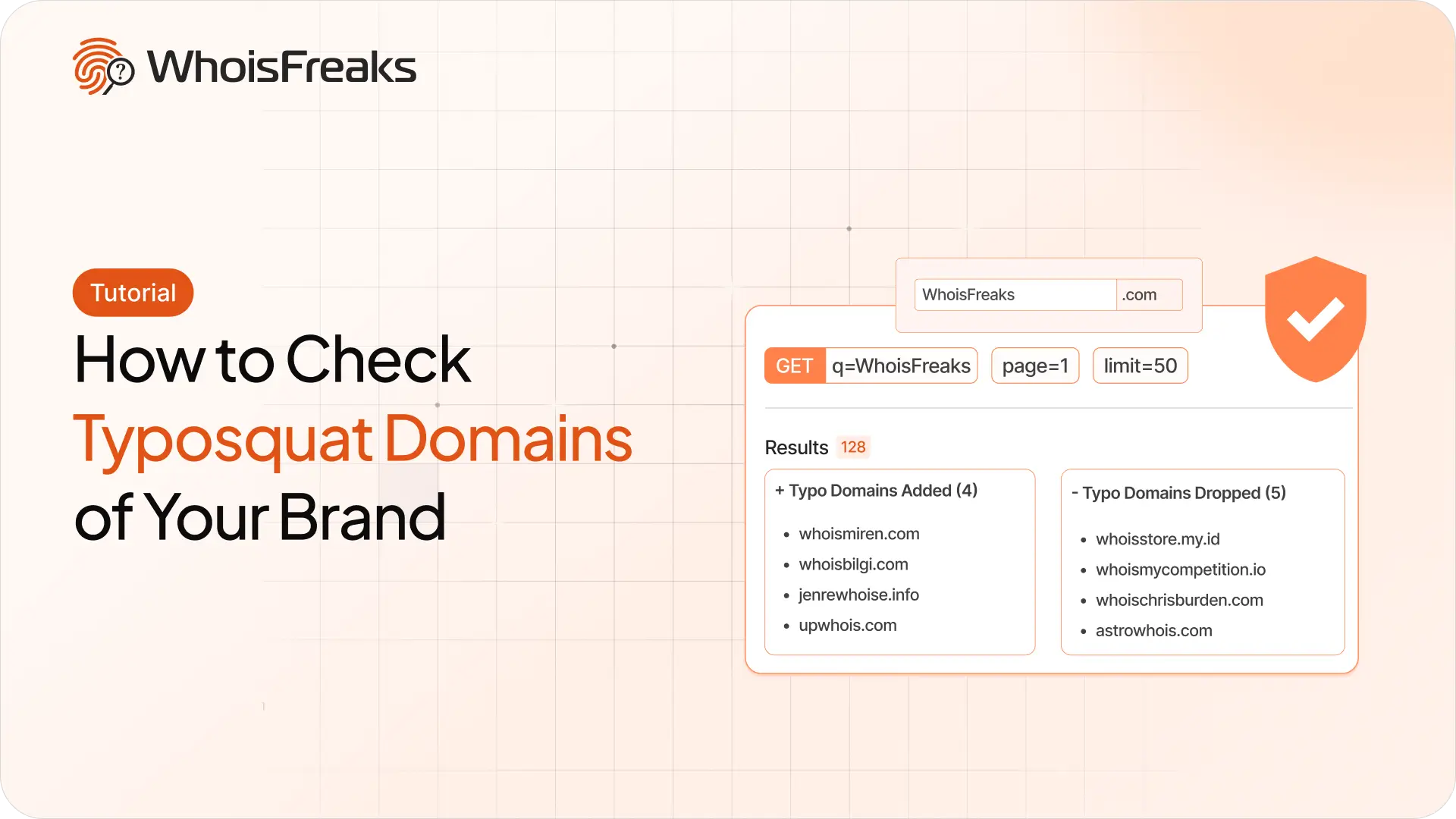
Find registered typosquatting domains targeting your brand with the WhoisFreaks Domain Typosquats API - keyword scans, wildcard patterns, paging and triage.
11 min read

WhoisFreaks database downloads arrive as .csv.gz, .json.gz or .zip. Extract, verify and read them on Linux, macOS and Windows - including how to work with multi-gigabyte files without unzipping them at all.
11 min read
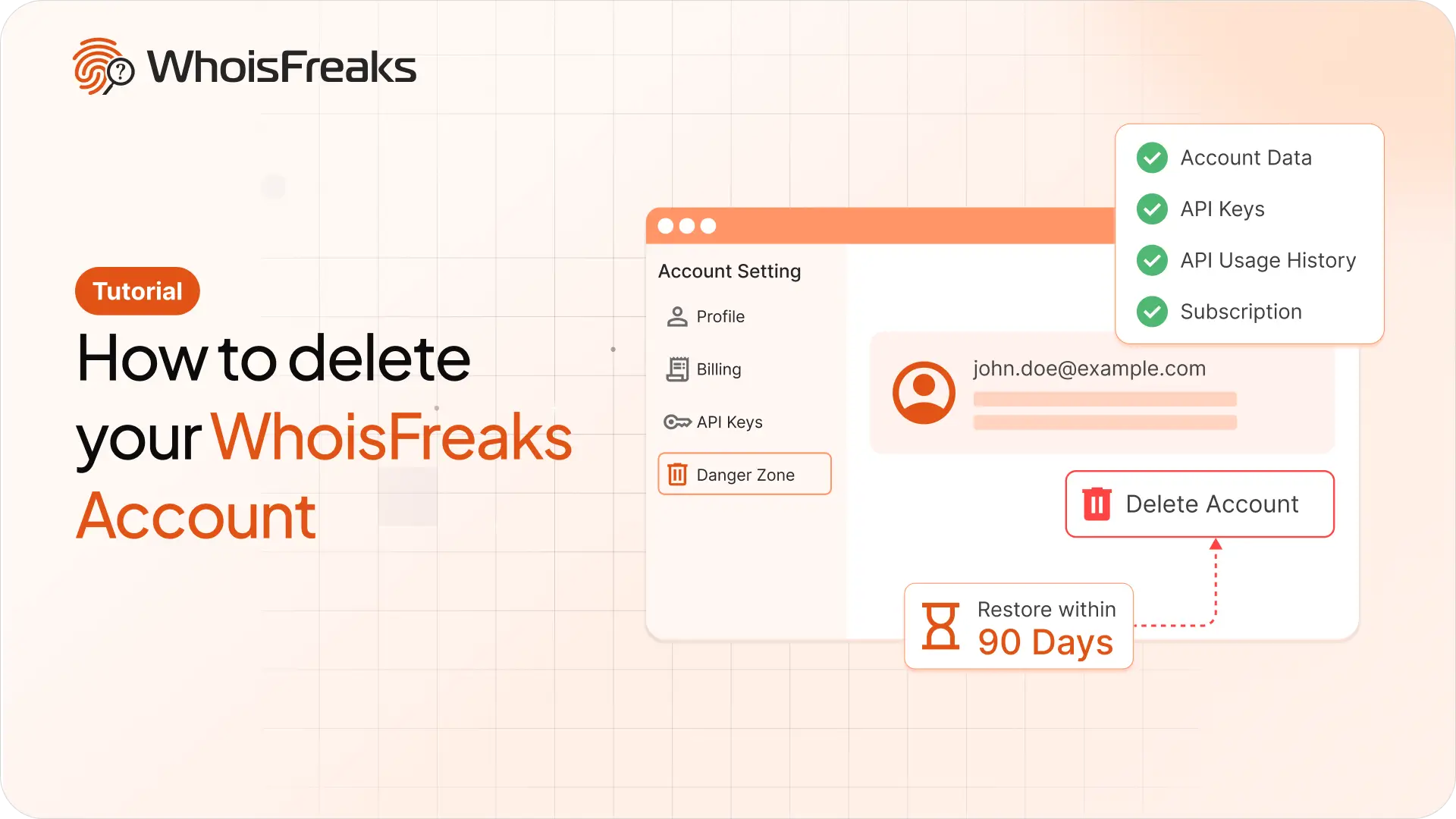
Delete your WhoisFreaks account from the dashboard in a few clicks. See exactly what gets removed, what happens to your subscriptions and API keys, and how to restore within 90 days.
8 min read