
Tutorial
How to Check if a Domain Name is Available to Register

Written By Qasim, WhoisFreaks Team Published: September 24, 2026, Last Updated: September 24, 2026
Tutorial
Written By Qasim, WhoisFreaks Team Published: September 24, 2026, Last Updated: September 24, 2026
Before you can buy a domain, you need to know whether anyone already owns it. This tutorial shows you how to answer that with the WhoisFreaks Domain Availability API: one name, a name plus suggested alternatives, a whole list of names, or one name across a set of TLDs. It also covers the part most availability checks skip; what "available" does and does not promise.
You'll need an API key. If you don't have one yet, sign up and grab your key first; new accounts include 500 free credits, no card required.
The API answers one question: is this exact domain currently registered by somebody? WhoisFreaks resolves that by cross-referencing real-time WHOIS data with live DNS resolution, so a domain sitting in redemption, pending deletion, or held by a registrar comes back as UNAVAILABLE rather than being wrongly reported as free.
That is a narrower question than "can I buy this today", and the gap matters:
| State | What the API says | Why |
| Nobody has registered it | AVAILABLE | Genuinely registrable |
| Someone owns it | UNAVAILABLE | Registered |
| Expired, in redemption or pendingDelete | UNAVAILABLE | Not registrable yet; the previous owner can still recover it |
| Registry-reserved or premium-priced | UNAVAILABLE | Unregistered but not offered at standard price |
So, an AVAILABLE result is a green light. An UNAVAILABLE result is not a single fact; it can mean "taken", "recently expired" or "reserved", and the availability response does not distinguish between them. When that distinction matters, follow up with a WHOIS lookup on the same name, which returns domain_registered and domain_status and tells you which of the three you're looking at. More on that in Step 5.
Sign in to the WhoisFreaks dashboard and open API Keys. Copy your primary key; it is the only credential this API needs, passed as the apiKey query parameter.

Send a GET request with the domain you want to test:
curl "https://api.whoisfreaks.com/v2.0/domain/availability?apiKey=API_KEY&domain=whoisfreaks.com"Replace API_KEY with your key and whoisfreaks.com with the name you're checking. Pass the registrable domain only; no http://, no www., no trailing slash.
The response is a list of results, one entry per domain checked. For a single lookup it contains one:
{
  "domain_available_response": [
    {
      "domain": "whoisfreaks.com",
      "availability": "UNAVAILABLE"
    }
  ]
}| Field | Meaning |
| domain | The domain that was checked, echoed back. Match on this rather than on array position. |
| availability | AVAILABLE or UNAVAILABLE, uppercase. Compare against the exact string. |
A standard availability lookup costs 1 credit. Full costs are in the credit usage documentation.
| Parameter | Required | Value |
| apiKey | Yes | Your API key from the dashboard |
| domain | Yes | The domain to check, for example whoisfreaks.com |
| sug | No | true to return suggested alternatives alongside the result |
| count | No | How many suggestions to return, used with sug=true |
Most of the time you're not checking a domain, you're hunting for one. Add sug=true and the API returns alternatives with their own availability, so a single call gives you a shortlist instead of a rejection:
curl "https://api.whoisfreaks.com/v2.0/domain/availability?apiKey=API_KEY&domain=whoisfreaks.com&sug=true"Suggestions can run to 100 entries, which is more than a search box wants to render. Bound them with count:
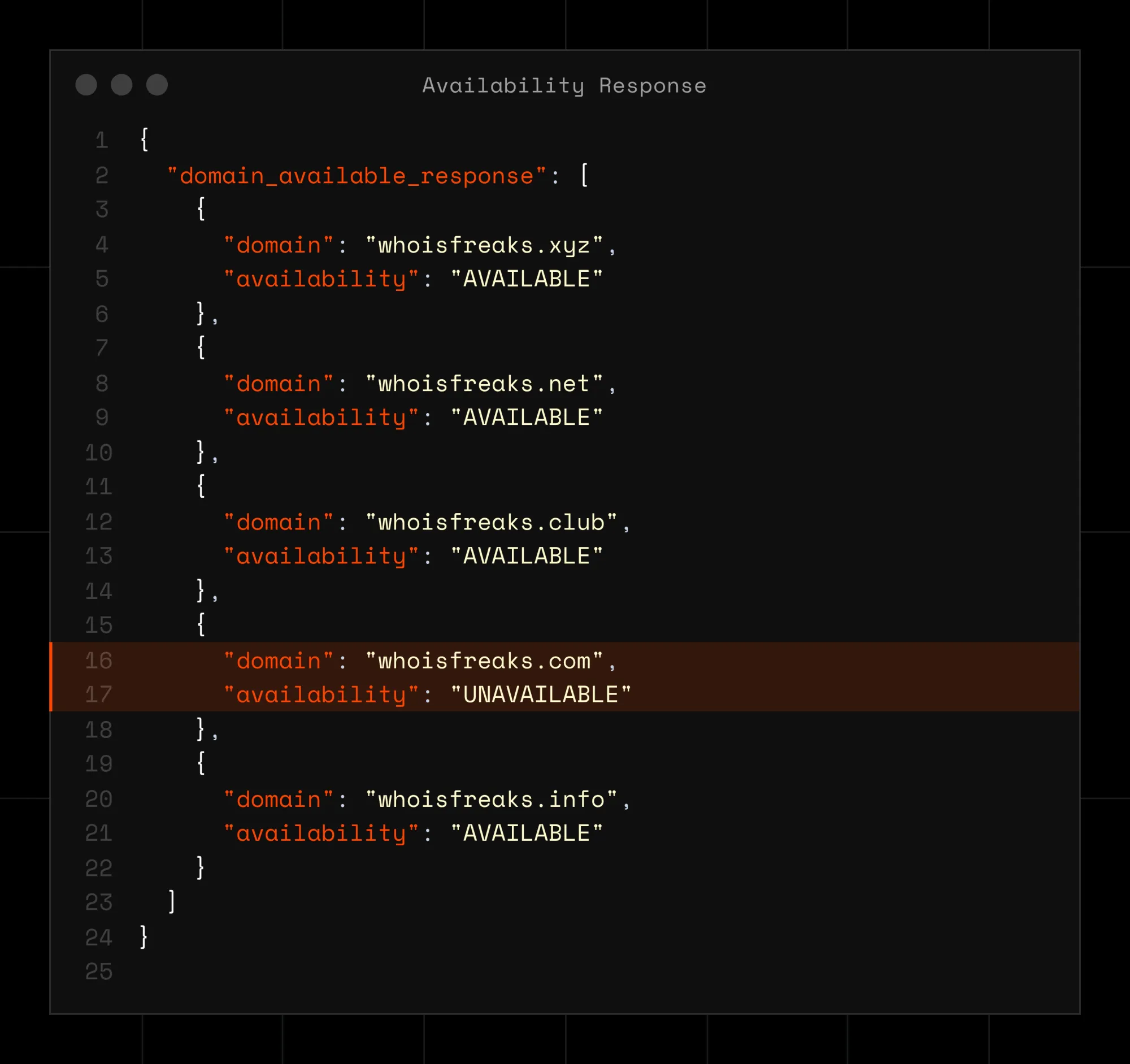
curl "https://api.whoisfreaks.com/v2.0/domain/availability?apiKey=API_KEY&domain=whoisfreaks.com&sug=true&count=10"{
"domain_available_response": [
{"domain": "whoisfreaks.xyz", "availability": "AVAILABLE"},
{"domain": "whoisfreaks.net", "availability": "AVAILABLE"},
{"domain": "whoisfreaks.club", "availability": "AVAILABLE"},
{"domain": "whoisfreaks.com", "availability": "UNAVAILABLE"},
{"domain": "whoisfreaks.info", "availability": "AVAILABLE"},
{"domain": "whoisfreaks.loan", "availability": "AVAILABLE"},
{"domain": "whoisfreaks.org", "availability": "AVAILABLE"},
{"domain": "whoisfreaks.dev", "availability": "AVAILABLE"},
{"domain": "whoisfreaks.top", "availability": "AVAILABLE"},
{"domain": "whoisfreaks.biz", "availability": "AVAILABLE"}
]
}Two things to note. The domain you asked about is included in the list, not returned separately; so find it by name, don't assume it's first or last. And suggestions are weighted toward high-registration-volume TLDs, which is why .xyz, .club and .top appear: the right bias for a checkout flow, the wrong one if you want specific TLDs. For that, use Step 4b.
To test many names at once, POST a JSON body to the same endpoint. The apiKey stays in the query string:
curl "https://api.whoisfreaks.com/v1.0/domain/availability?apiKey=API_KEY" --header "Content-Type: application/json" --data '{"domainNames": ["google.com","whoisfreaks.jp"]}'The list caps at 100 domains. Send 101 and the API returns 413 with the message "The requested list size is [GREATER_THAN_100] which exceeds the maximum list size of 100." Chunk longer lists into batches of 100 client-side. A full batch of 100 takes roughly 16 seconds to a minute to come back, so set your HTTP client's timeout accordingly; a 10-second default will abort a perfectly healthy request.
When you want a specific set of extensions rather than the API's suggestions, keep domain in the query string and POST a TLD array:
curl "https://api.whoisfreaks.com/v1.0/domain/availability?apiKey=API_KEY&domain=whoisfreaks.com" --header "Content-Type: application/json" --data '{"tld": ["com","pk"]}'This is the call for defensive registration checks; test the name you've settled on across the TLDs you actually care about, not the ones the suggestion engine likes. Write TLDs without a leading dot: "com", not ".com".
UNAVAILABLE tells you not to bother, but not why. If you're tracking a name you want; a competitor's expiring domain, a brand term someone parked; run a WHOIS lookup on it and read two fields:
curl "https://api.whoisfreaks.com/v2.0/whois?apiKey=API_KEY&whois=live&domainName=example.com"domain_registered is the string "yes" or "no", not a boolean. "no" on a domain the availability API called UNAVAILABLE is the signal that the name is unregistered but still blocked; reserved, premium, or between deletion stages.domain_status carries the EPP status codes, returned lowercased and without EPP camelCase: you'll see clienttransferprohibited, not clientTransferProhibited, and redemptionperiod or pendingdelete rather than the camelCase forms. Lowercase your comparison strings or the match will silently fail.A domain in redemptionperiod is not for sale, but it is on a clock; combine that with expiry_date in the same response and you know roughly when the name drops.
Three things will happen to a script that runs this endpoint in a loop. Handle them before you ship:
x-ratelimit-allowed-requests and x-ratelimit-remaining-requests on every response, and sleep for x-ratelimit-remaining-time ;that header is in nanoseconds, so divide by 1,000,000,000 before passing it to sleep.| Step | Action |
| 1 | Copy your API key from the dashboard |
| 2 | GET /v1.0/domain/availability with domain= for one name; 1 credit |
| 3 | Add sug=true, bound it with &count=10, to get alternatives |
| 4 | POST {"domainNames": [...]} for up to 100 names in one call |
| 4b | POST {"tld": [...]} with domain= to check one name across chosen TLDs |
| 5 | Follow up UNAVAILABLE with a WHOIS lookup to learn why |
| 6 | Branch on 429 and 413; remember 4xx costs no credits |
One endpoint covers the whole job, from a single check in a signup form to a nightly sweep of a watchlist. If your question is the opposite one; which lookalike domains of your brand are already registered; see How to Check Typosquat Domains of Your Brand. Full parameter reference lives on the Domain Availability API product page.
GET https://api.whoisfreaks.com/v1.0/domain/availability with your apiKey and the domain. The response holds a domain_available_response array with the domain name and an availability value of AVAILABLE or UNAVAILABLE. Costs 1 credit.
No, the response is binary. It doesn't distinguish an actively registered domain from one in redemption, registry-reserved or premium-priced. Run a WHOIS lookup on the same name and read domain_registered and domain_status to find out which.
Both. WhoisFreaks cross-references real-time WHOIS with live DNS resolution, which stops domains in redemption, pending deletion or on premium hold from being reported as free. That's why results are conservative rather than optimistic.
Up to 100 per POST request; more returns a 413. Split longer lists into batches of 100 in your own code and allow roughly 16 seconds to a minute for a full batch to return.
Yes. Add sug=true to a single-domain request for up to 100 alternatives with their own availability, and &count=10 to bound the list for a UI. Suggestions skew toward high-volume TLDs, which suits search widgets and checkout flows.
Keep domain= in the query string and POST a body of {"tld": ["com","pk"]} with a Content-Type: application/json header. This checks that exact name against the TLDs you name, which is what you want for defensive registration. No leading dots.
You get a 429. Availability is a live endpoint, so free accounts get 10 requests per minute on single lookups and 5 on bulk. Every response carries x-ratelimit-remaining-requests and x-ratelimit-remaining-time, in nanoseconds, so divide before you sleep on it.
No. 4xx responses cost a round trip but not balance, so a malformed domain or an oversized bulk list is free. Only successful lookups are charged at 1 credit for a standard check.
Match results by the domain field, never by array position. With sug=true the domain you asked about is returned inside the same list as the suggestions, and nothing guarantees its index. Code that reads response[0] works in testing and picks the wrong answer in production.
Compare availability against the exact uppercase strings AVAILABLE and UNAVAILABLE and treat anything else as unknown rather than as available. Defaulting to "available" on an unexpected value is how a checkout flow ends up selling a domain it cannot deliver.
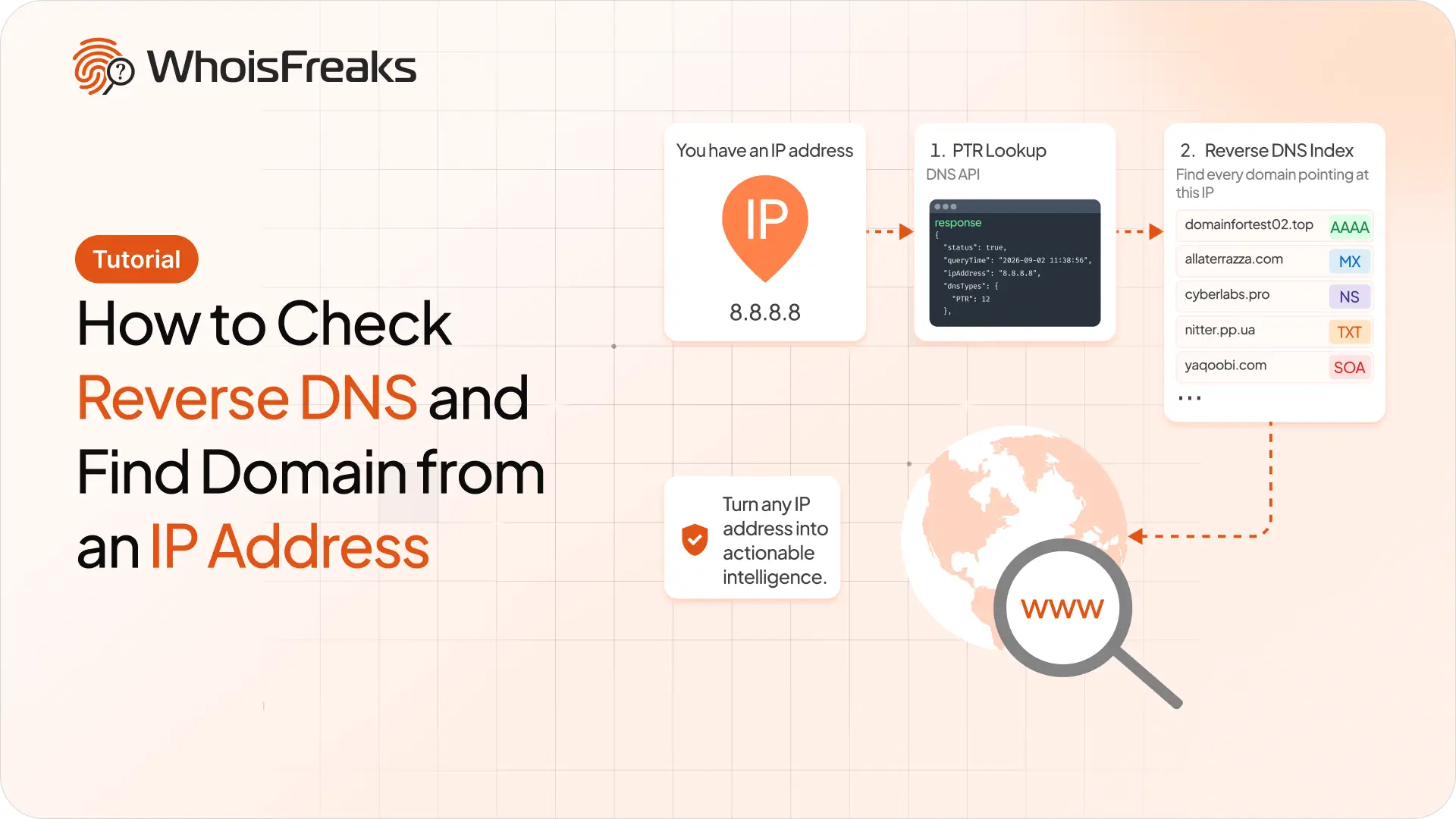
Run a PTR lookup with the WhoisFreaks DNS API, then use the reverse DNS index to find every domain whose A, MX, NS, TXT or SOA records point at an IP.
10 min read
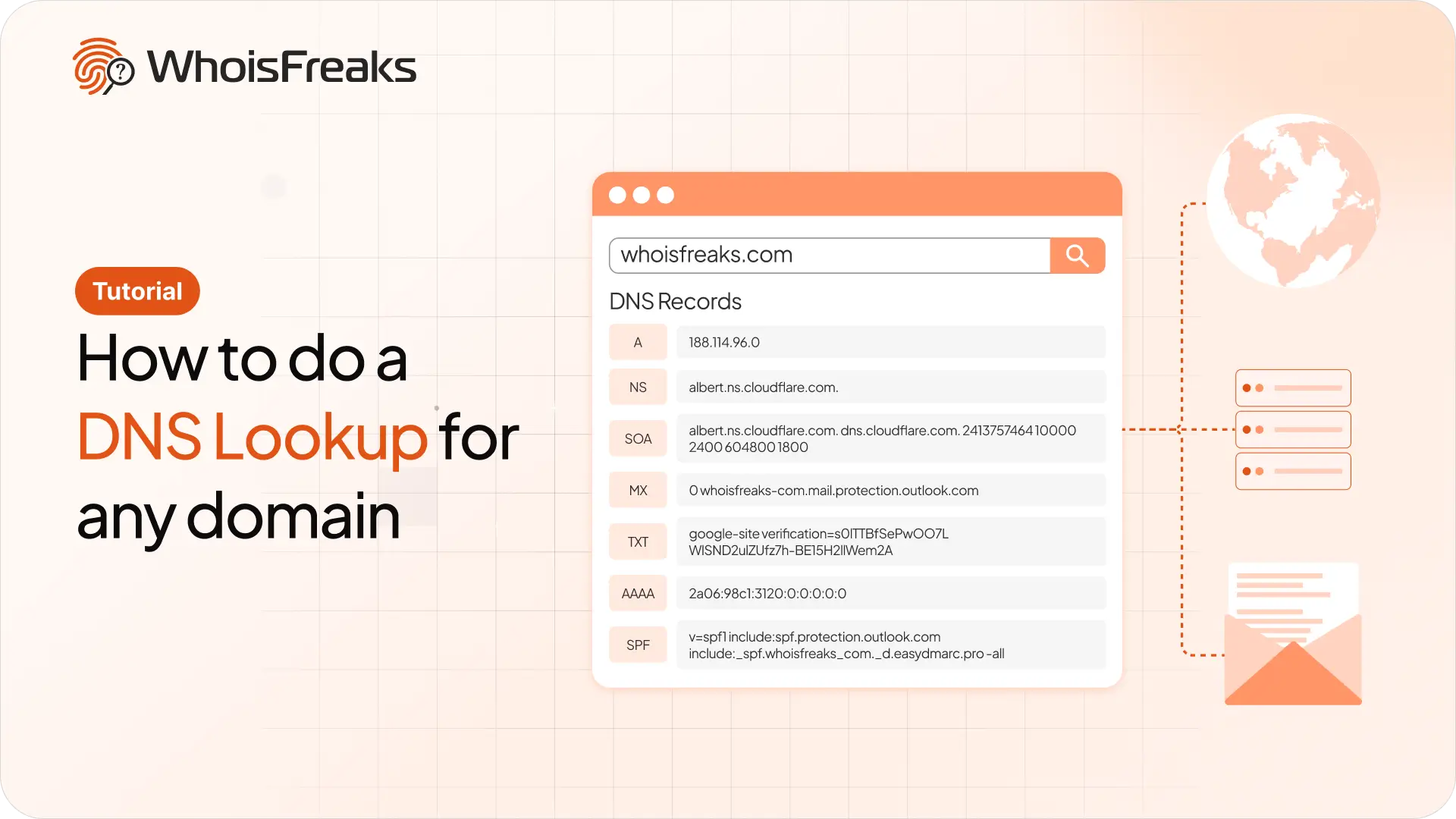
Run a DNS lookup on any domain with the WhoisFreaks DNS API. Get A, AAAA, NS, MX, TXT, SOA and SPF records in one JSON response, with cURL examples you can copy.
11 min read