
Tutorial
How to Find All Subdomains of a Domain Using the API

Written By Qasim, WhoisFreaks Team Published: June 08, 2026, Last Updated: September 08, 2026
Tutorial
Written By Qasim, WhoisFreaks Team Published: June 08, 2026, Last Updated: September 08, 2026
A subdomain lookup returns every known subdomain of a root domain, hostnames such as blog.whoisfreaks.com or api.whoisfreaks.com, along with when each was first seen and last seen. It is not a WHOIS query. WHOIS, the protocol defined in RFC 3912, returns registration data for a registered domain. Subdomains are not registered on their own, so they have no WHOIS record. They are discovered through enumeration instead.
This guide covers what a subdomain lookup returns, three ways to run one with WhoisFreaks, how to read active versus inactive results, and why subdomain WHOIS is a misconception worth clearing up before you start.
In this guide you will learn:

Subdomain WHOIS is a common misconception. Subdomains do not have their own WHOIS records.
When you register a domain such as whoisfreaks.com, its registrant, registrar, contact details, and expiry are stored in a WHOIS database. That record belongs to the root domain. Subdomains are added later through DNS records (A, CNAME, and others), not through registration, so no registry holds a separate WHOIS entry for them.
In the DNS hierarchy defined in RFC 1034, a subdomain is simply a domain contained within a larger one. blog.example.com sits under example.com, which sits under the .com top-level domain.
The request usually points to one of two things:
Because subdomains leave traces across the public internet, enumeration pulls them from several sources at once: DNS records, Certificate Transparency logs, passive DNS, SSL/TLS certificates, and zone file analysis. No single source sees everything, so combining them gives the widest view.

There are 3 ways to perform a subdomain lookup with WhoisFreaks:
Using automated subdomain scanning helps streamline discovery and improves how security teams collect, integrate, and analyze subdomain data.
The fastest way to enumerate subdomains for any domain is through the WhoisFreaks free web tool, which serves as a cloud-based subdomain checker and supports comprehensive subdomain search for security assessments, reconnaissance, and penetration testing.
Navigate to the WhoisFreaks Subdomain Lookup tool.
Type the root domain you want to enumerate into the search field. Always use the root domain, not a subdomain, as your input:
whoisfreaks.com
Before or after running the search, use the status filter to narrow results:
Click Search to run the lookup. The tool returns all known subdomains for the root domain from the WhoisFreaks subdomains dataset of 6.2B+ hostnames.
Results are displayed in a structured list showing each subdomain, its active or inactive status, and its first-seen and last-seen timestamps.
In addition to JSON and Formatted responses, users can also download the data as a CSV file from the Subdomain Lookup tool.

For automation, security platform integration, or processing subdomains at scale, the Subdomains API is the right approach. This API allows you to automate subdomain scans, making it easy to integrate subdomain enumeration into your security workflows or website management processes.
Use the Subdomains Lookup API to retrieve each subdomain with its complete details such as first seen, last seen, and status. You can also retrieve sub-subdomains.
https://api.whoisfreaks.com/v1.0/subdomains?domain=whoisfreaks.com&before=2026-03-31&origin=whoisfreaks.com&after=2000-01-01&status=active&page=1&apiKey=YOUR_API_KEYKey Parameters:
| Parameter | Description | Example |
|---|---|---|
| domainName | The root domain to enumerate | whoisfreaks.com |
| apiKey | Your WhoisFreaks API key | YOUR_API_KEY |
| status | Filter by active or inactive | active |
| page | Page number for paginated results | 1 |
| before | Return records created before this date (YYYY-MM-DD) | 2026-03-31 |
| after | Return records created after this date (YYYY-MM-DD) | 2000-01-01 |
Step 1: Create a Free Account
Create a free account now to get started. New accounts receive 500 free API credits with no credit card required.
Step 2: Access Your API Key
After signing in, navigate to API Solutions under PRODUCTS and then to the API Keys section. Your unique/primary API key will be displayed there. Copy it and store it securely.

For further details on account creation and getting the API key, you can follow tutorial: Getting Started with WhoisFreaks.
Step 3: Add Your API Key to Requests
Append your API key to every request as a query parameter:
?apiKey=YOUR_API_KEYBase API URL:
https://api.whoisfreaks.com/All endpoints are built on top of this base URL.Sample Response:
{
  "domain": "whoisfreaks.com",
  "status": true,
  "query_time": "2026-05-18T10:44:27.675881648",
  "current_page": 1,
  "total_pages": 1,
  "total_records": 38,
  "subdomains": [
    {
      "subdomain": "ghost.whoisfreaks.com",
      "first_seen": "2025-02-02",
      "last_seen": "2026-04-30"
    },
    {
      "subdomain": "dev.whoisfreaks.com",
      "first_seen": "2026-02-22",
      "last_seen": "2026-02-24"
    },
    {
      "subdomain": "website-test-1.whoisfreaks.com",
      "first_seen": "2026-02-07",
      "last_seen": "2026-02-28"
    },
    {
      "subdomain": "wfweb.whoisfreaks.com",
      "first_seen": "2026-02-07",
      "last_seen": "2026-02-19"
    },
    {
      "subdomain": "links.care.whoisfreaks.com",
      "first_seen": "2025-07-28",
      "last_seen": "2026-03-29"
    },
    {
      "subdomain": "blogs-cf-worker.whoisfreaks.com",
      "first_seen": "2025-02-13",
      "last_seen": "2026-02-20"
    },
    {
      "subdomain": "blogs.whoisfreaks.com",
      "first_seen": "2023-07-31",
      "last_seen": "2026-04-08"
    },
    {
      "subdomain": "staging.whoisfreaks.com",
      "first_seen": "2025-02-11",
      "last_seen": "2026-03-22"
    },
    {
      "subdomain": "status.file.whoisfreaks.com",
      "first_seen": "2026-03-25",
      "last_seen": "2026-03-28"
    },
    {
      "subdomain": "files.whoisfreaks.com",
      "first_seen": "2021-01-15",
      "last_seen": "2026-04-28"
    },
    {
      "subdomain": "www.whoisfreaks.com",
      "first_seen": "2023-10-13",
      "last_seen": "2026-05-17"
    },
    {
      "subdomain": "status.ssl.whoisfreaks.com",
      "first_seen": "2026-03-25",
      "last_seen": "2026-03-28"
    },
    {
      "subdomain": "status.email.whoisfreaks.com",
      "first_seen": "2026-03-25",
      "last_seen": "2026-03-28"
    },
    {
      "subdomain": "status.dns.whoisfreaks.com",
      "first_seen": "2026-03-25",
      "last_seen": "2026-03-28"
    }
  ]
}
Results are paginated, so for domains with many subdomains, iterate through all pages to retrieve the complete dataset. Every field in this response is defined in the data table below. To pull subdomains together with their DNS records, use the Subdomains API for fuller attack surface visibility.
The WhoisFreaks Subdomains Database provides bulk access to a comprehensive subdomain dataset for enterprise-scale subdomain enumeration, subdomain discovery, and attack surface mapping. It supports both passive and active subdomain scanning, enabling security teams to efficiently identify exposed assets and misconfigurations.
Use advanced subdomain finder tools and automated scans across multiple domains to improve coverage, speed, and accuracy in reconnaissance and security assessment.
Download daily, weekly, and monthly CSV updates (last 3 months available), plus a sample dataset for quick evaluation.
Get full subdomain database access to strengthen security posture, improve visibility, and detect risks before attackers do.
Every subdomain lookup returns the same set of fields, whether you run it through the tool, the API, or the database. The table below defines each field and what it tells you during asset discovery and security work:
| Field | Description | Why It Matters |
|---|---|---|
| domain | The root domain queried for subdomain enumeration | Defines the target domain for the lookup |
| status | Indicates whether the API request was successful | Helps validate the response status |
| query_time | Timestamp when the query was processed | Useful for tracking freshness of the dataset |
| current_page | Current page number of the paginated response | Supports navigation through large result sets |
| total_pages | Total number of available pages | Shows the complete pagination scope |
| total_records | Total number of discovered subdomains | Provides an overview of the domain’s attack surface |
| subdomain | The discovered hostname (e.g., blogs.whoisfreaks.com) | Identifies individual assets and services |
| first_seen | Date when the subdomain was first observed | Helps determine subdomain age and historical presence |
| last_seen | Date when the subdomain was last observed | Indicates recent activity or whether it may still be active |
First-seen and last-seen dates let you track how long each subdomain has existed and whether it is still in use, which is the basis for spotting stale or forgotten hosts.
The Subdomain Lookup API and tool let you filter results by active or inactive status. That distinction matters for attack surface management, threat detection, reconnaissance, and subdomain takeover prevention.
| Status | What It Means | Why It Matters |
|---|---|---|
| Active | The subdomain currently resolves in DNS and appears live | Important for attack surface monitoring, exposed service discovery, vulnerability assessment, and live threat detection |
| Inactive | The subdomain was previously observed but no longer resolves | Useful for identifying abandoned infrastructure and detecting potential subdomain takeover risks |
Inactive subdomains should not be ignored during security audits. A subdomain can stop resolving while its DNS record still exists, which opens the door to a subdomain takeover if the external resource it points to has been decommissioned. WhoisFreaks tracks historical subdomain data and DNS resolution changes so security teams can find outdated assets, cut external attack surface exposure, and keep infrastructure clean.
A subdomain takeover happens when a subdomain's DNS record still points to an external service, such as a cloud host, CDN, or static-site platform, that the organization no longer controls. An attacker who registers or claims that unused service can then serve their own content from the subdomain. Old staging, dev, and legacy hosts are the usual targets, which is why tracking inactive subdomains during an audit matter as much as listing the live ones.
Subdomains are where an organization's real attack surface lives. Whether you are auditing your own infrastructure for shadow IT and takeover risk, hunting threat-actor phishing infrastructure, mapping a target during a penetration test, or building an attack surface management platform, finding the subdomains is the first step.
WhoisFreaks gives you that view at three scales: a free tool for a quick check, an API for automation, and a downloadable database for enterprise coverage, all drawing on a dataset of 6.2B+ hostnames built from continuous DNS crawls, Certificate Transparency logs, passive DNS, and zone files. Start with a single lookup and scale up when you need to.
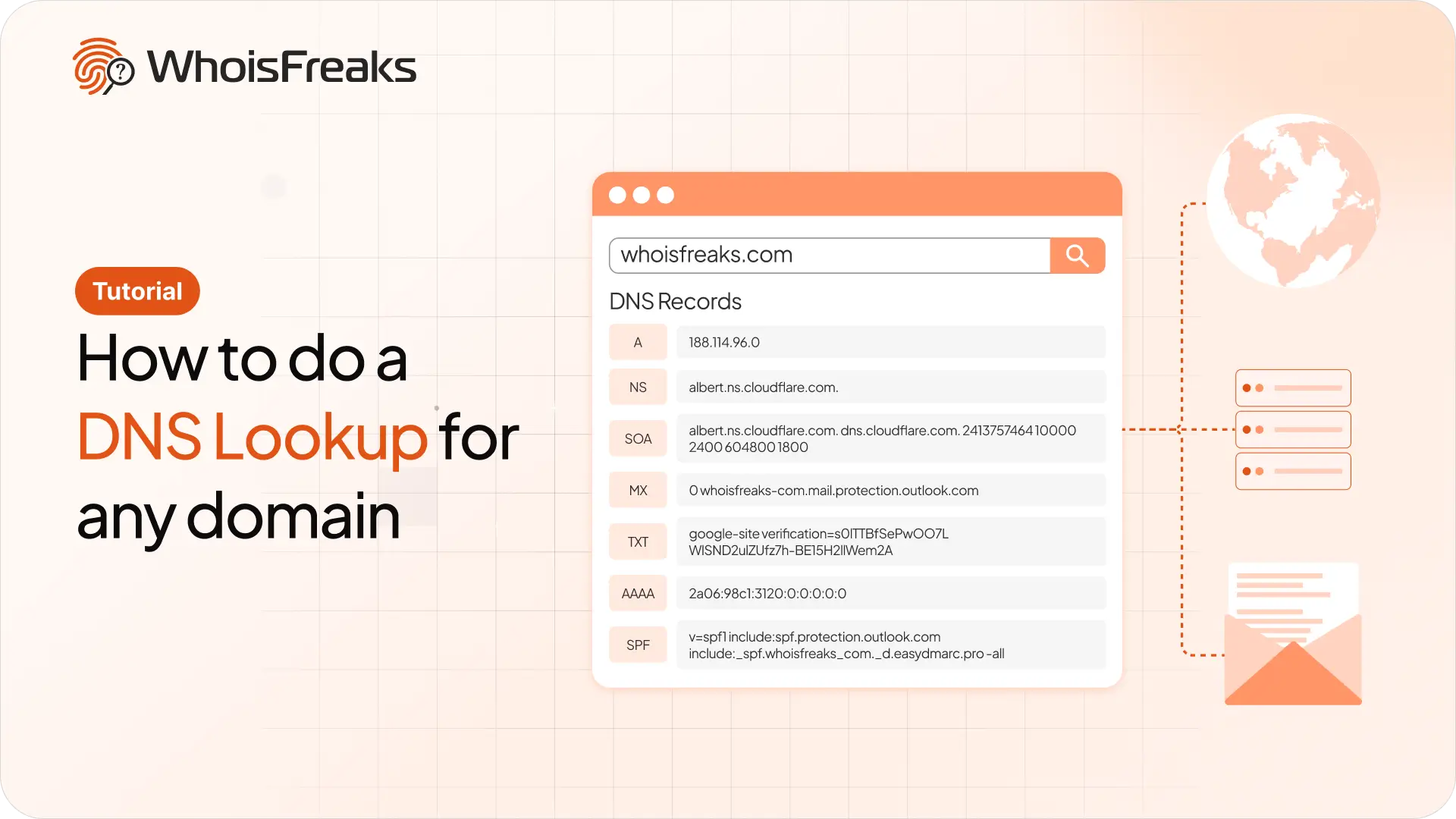
Run a DNS lookup on any domain with the WhoisFreaks DNS API. Get A, AAAA, NS, MX, TXT, SOA and SPF records in one JSON response, with cURL examples you can copy.
11 min read
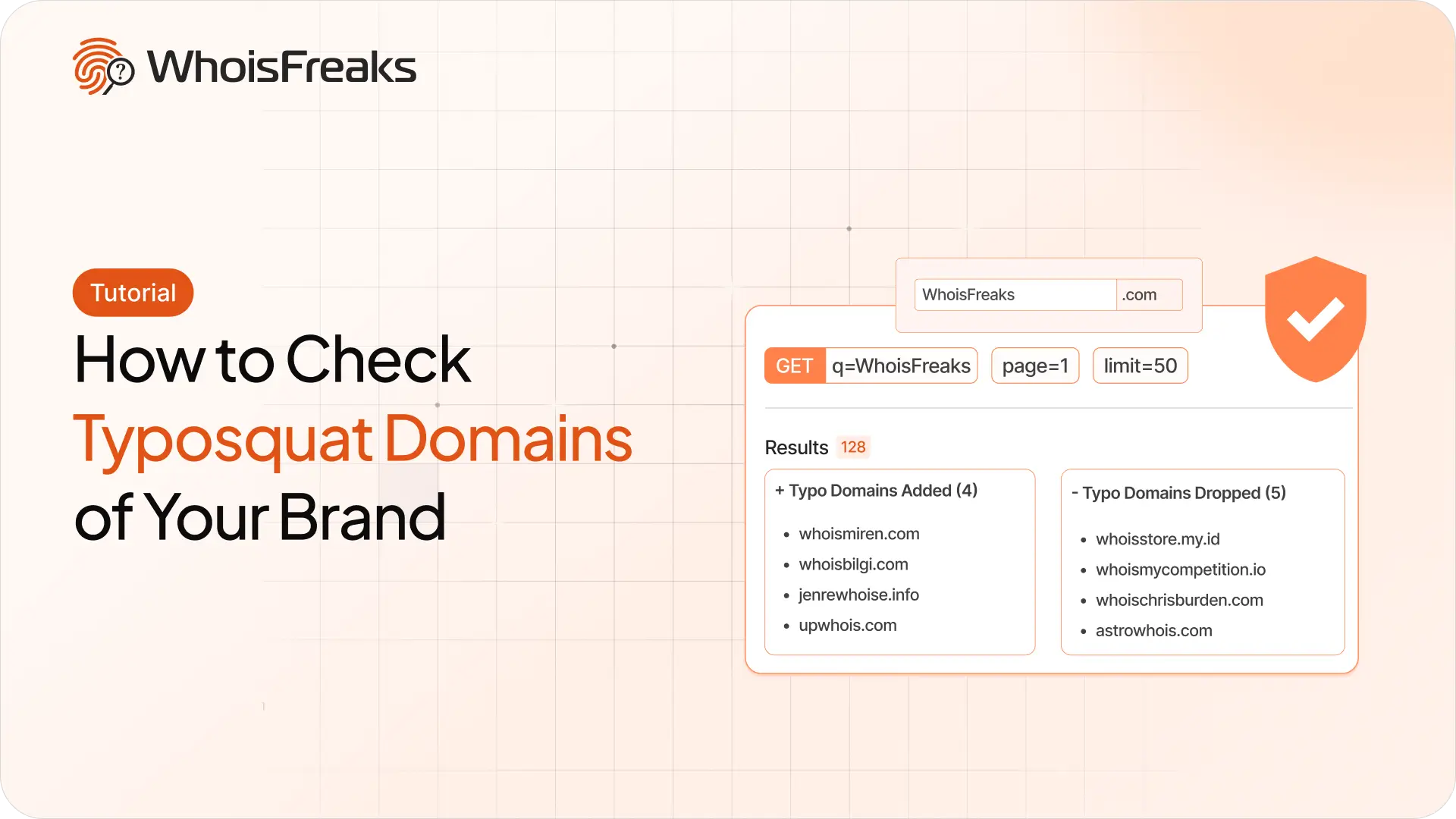
Find registered typosquatting domains targeting your brand with the WhoisFreaks Domain Typosquats API - keyword scans, wildcard patterns, paging and triage.
11 min read

WhoisFreaks database downloads arrive as .csv.gz, .json.gz or .zip. Extract, verify and read them on Linux, macOS and Windows - including how to work with multi-gigabyte files without unzipping them at all.
11 min read