
Tutorial
How to Perform an IP WHOIS Lookup

Written By Qasim, WhoisFreaks Team Published: June 05, 2026, Last Updated: September 02, 2026
Tutorial
Written By Qasim, WhoisFreaks Team Published: June 05, 2026, Last Updated: September 02, 2026
An IP WHOIS lookup tells you who owns an IP address: the organization, the ISP or hosting provider, the assigned ASN, the network block, and the abuse contact, pulled from the Regional Internet Registry that allocated the address. Security analysts run it as the first pivot on a suspicious IP. Network engineers use it to confirm block ownership. Abuse teams use it to find the right reporting contact.
This guide shows you three ways to run an IP WHOIS lookup and how to read the result:
It also explains the five Regional Internet Registries and every field an IP WHOIS record returns.
An IP WHOIS lookup returns the public allocation record for an IP address or subnet: the organization the block is assigned to, the ISP or hosting provider operating it, the ASN, the country of allocation, and the abuse contact. The record is published by the Regional Internet Registry that controls that address space.
Two distinctions matter before you run one.
Domain WHOIS and IP WHOIS answer different questions. Domain WHOIS shows who registered a domain name through a registrar. IP WHOIS shows who an RIR allocated a block of addresses to. The same company can hold one IP allocation covering thousands of addresses while running hundreds of separate domains, so the two records rarely point at the same owner.
IP WHOIS and IP geolocation are also different. Geolocation estimates where an address is being used. IP WHOIS reports who the address is registered to and which RIR governs it. The country in a WHOIS record is the allocating registry's region, not the physical location of the device.
WhoisFreaks routes every query to the correct registry automatically, so you do not need to know in advance which RIR holds the block.

IP address allocations are not managed by a single central authority. Instead, the internet is divided into five geographic regions, each with its own RIR responsible for managing IP address allocation within that region. Regional rules set by each RIR govern how IP addresses are allocated and managed, ensuring that the distribution of internet number resources follows specific policies for each region. When you perform an IP WHOIS lookup, the data comes from whichever RIR manages the block containing the queried IP.
IP address blocks are not handed out by a single authority. The Internet Assigned Numbers Authority distributes them to the five Regional Internet Registries, which then allocate smaller blocks to ISPs and organizations in their regions: ARIN for North America, RIPE NCC for Europe and the Middle East, APNIC for Asia-Pacific, LACNIC for Latin America and the Caribbean, and AFRINIC for Africa. When you run an IP WHOIS lookup, the record comes from whichever RIR manages the block containing the queried address.
When you use the lookup tool, it helps identify IP address ownership and the allocation of internet number resources, including the assignment of IP addresses allocated to ISPs and end user organizations. The IP address's location shown in WHOIS data refers to the region or country of the allocating RIR, not necessarily the physical location of the device using the IP.
| RIR | Full Name | Region Covered | WHOIS Server |
|---|---|---|---|
| ARIN | American Registry for Internet Numbers | North America, parts of the Caribbean | whois.arin.net |
| RIPE NCC | Reseaux IP Europeans Network Coordination Centre | Europe, Middle East, Central Asia | whois.ripe.net |
| APNIC | Asia-Pacific Network Information Centre | Asia-Pacific | whois.apnic.net |
| LACNIC | Latin America and Caribbean Network Information Centre | Latin America, Caribbean | whois.lacnic.net |
| AFRINIC | African Network Information Centre | Africa | whois.afrinic.net |
When you run an IP WHOIS lookup through WhoisFreaks, the tool performs real-time queries against live RIR databases and delivers well-structured results for both IPv4 and IPv6. You do not need to know which RIR manages a given IP. The tool handles the routing automatically and returns the correct record from the right source.
An IP WHOIS lookup queries a registry database over the WHOIS protocol, defined in RFC 3912, which runs on TCP port 43. There are three ways to run one with WhoisFreaks: the free web tool, the IP WHOIS API for programmatic access, and bulk lookup for large IP lists. Most registries now also serve this data over RDAP, the IETF protocol created as the standardized successor to WHOIS, which returns structured JSON.
The quickest way to look up any IP address is through the WhoisFreaks free web tool. No account or API key is needed.
Go to WhoisFreaks IP WHOIS Lookup tool / free IP WHOIS Lookup tool
Type the given IP address you want to look up into the search field. The tool supports both IPv4 (e.g., 8.8.8.8) and IPv6 addresses (e.g., 2001:4860:4860::8888).
8.8.8.82001:4860:4860::8888Click Search to run the lookup. WhoisFreaks queries the appropriate live RIR database in real time and returns the structured WHOIS record.
The results page displays all IP WHOIS fields in a structured, readable format including the organization name, IP block range, CIDR notation, ASN, country, RIR source, and all administrative, technical, and abuse contacts.
For the most up-to-date records, sign into your WhoisFreaks account. Signed-in users receive live, real-time data directly from the RIR databases rather than cached results.

For security automation, SIEM enrichment, or building IP intelligence into your own applications, the IP WHOIS API is the right approach.
The IP WHOIS API provides detailed IP address information including registration data, organization details, administrative, technical, and abuse contacts, as well as routing and network information. The API utilizes the Registration Data Access Protocol (RDAP) to provide standardized registration data from various registries. RDAP responses are returned in JavaScript Object Notation (JSON), a machine-readable format, or in XML.
https://api.whoisfreaks.com/v1.0/ip-whois?apiKey=YOUR_API_KEY&ip=1.1.1.1Key Parameters:
| Parameter | Description | Example |
|---|---|---|
| ip | The IPv4 or IPv6 address to query | 8.8.8.8 |
| apiKey | Your API key for authentication | YOUR_API_KEY |
| format | Response format (JSON or XML) | json |
Two formats are available: JSON and XML. If you do not specify the format parameter, the default format will be JSON.
Every request to the WhoisFreaks API requires authentication using an API key. Here is how to get started:
Step 1: Create a Free Account
Create a free account by signing up. New accounts receive 500 free API credits with no credit card required.
Step 2: Access Your API Key
After signing in, navigate to API Solutions under PRODUCTS and then to the API Keys section. Your unique/primary API key will be displayed there. Copy it and store it securely.

For further details on account creation and getting the API key, you can follow tutorial: Getting Started with WhoisFreaks.
Step 3: Add Your API Key to Requests
Append your API key to every request as a query parameter:
?apiKey=YOUR_API_KEYSample Response:
{
  "status": true,
  "ip_address": "1.1.1.1",
  "query_time": "2026-05-18 09:35:07",
  "whois_server": "whois.apnic.net",
  "inet_nums": [
    {
      "start_ip": "1.1.1.0",
      "end_ip": "1.1.1.255",
      "cidr": [
        "1.1.1.0/24"
      ],
      "net_name": "APNIC-LABS",
      "description": [
        "APNIC and Cloudflare DNS Resolver project",
        "Routed globally by AS13335/Cloudflare",
        "Research prefix for APNIC Labs"
      ],
      "countries": [
        "AU"
      ],
      "status": "ASSIGNED PORTABLE",
      "organization": "ORG-ARAD1-AP",
      "remarks": [
        "---------------",
        "All Cloudflare abuse reporting can be done via",
        "[email protected]",
        "---------------"
      ],
      "mnt_by": [
        "APNIC-HM"
      ],
      "mnt_lower": [
        "MAINT-APNICRANDNET"
      ],
      "mnt_routes": [
        "MAINT-APNICRANDNET"
      ],
      "mnt_irt": [
        "IRT-APNICRANDNET-AU"
      ],
      "date_updated": "2023-04-26",
      "source": "APNIC"
    }
  ],
  "irt": {
    "handle": "IRT-APNICRANDNET-AU",
    "address": [
      "PO Box 3646",
      "South Brisbane, QLD 4101",
      "Australia"
    ],
    "state": "QLD",
    "zip_code": "4101",
    "country": "AUSTRALIA",
    "email": [
      "[email protected]"
    ],
    "abuse_mailbox": [
      "[email protected]"
    ],
    "admin_contacts": [
      "AR302-AP"
    ],
    "tech_contacts": [
      "AR302-AP"
    ],
    "remarks": [
      "[email protected] was validated on 2021-02-09"
    ],
    "mnt_by": [
      "MAINT-APNICRANDNET"
    ],
    "date_updated": "2025-11-18",
    "source": "APNIC"
  },
  "organization": {
    "handle": "ORG-ARAD1-AP",
    "name": "APNIC Research and Development",
    "type": "LIR",
    "address": [
      "6 Cordelia St"
    ],
    "street": "Cordelia St",
    "country": [
      "AU"
    ],
    "email": [
      "[email protected]"
    ],
    "phone": [
      "+61-7-38583100"
    ],
    "fax_no": [
      "+61-7-38583199"
    ],
    "mnt_ref": [
      "APNIC-HM"
    ],
    "mnt_by": [
      "APNIC-HM"
    ],
    "date_updated": "2023-09-05",
    "source": "APNIC"
  },
  "administrative_contacts": [
    {
      "handle": "AIC3-AP",
      "name": "APNICRANDNET Infrastructure Contact",
      "address": [
        "6 Cordelia St",
        "South Brisbane",
        "QLD 4101"
      ],
      "street": "Cordelia St",
      "state": "QLD",
      "zip_code": "4101",
      "country": "AU",
      "email": [
        "[email protected]"
      ],
      "phone": [
        "+61 7 3858 3100"
      ],
      "admin_contacts": [
        "AIC3-AP"
      ],
      "tech_contacts": [
        "AIC3-AP"
      ],
      "mnt_by": [
        "MAINT-APNICRANDNET"
      ],
      "date_updated": "2024-07-18",
      "source": "APNIC"
    }
  ],
  "technical_contacts": [
    {
      "handle": "AIC3-AP",
      "name": "APNICRANDNET Infrastructure Contact",
      "address": [
        "6 Cordelia St",
        "South Brisbane",
        "QLD 4101"
      ],
      "street": "Cordelia St",
      "state": "QLD",
      "zip_code": "4101",
      "country": "AU",
      "email": [
        "[email protected]"
      ],
      "phone": [
        "+61 7 3858 3100"
      ],
      "admin_contacts": [
        "AIC3-AP"
      ],
      "tech_contacts": [
        "AIC3-AP"
      ],
      "mnt_by": [
        "MAINT-APNICRANDNET"
      ],
      "date_updated": "2024-07-18",
      "source": "APNIC"
    }
  ],
  "abuse_contacts": [
    {
      "handle": "AA1412-AP",
      "name": "ABUSE APNICRANDNETAU",
      "address": [
        "PO Box 3646",
        "South Brisbane, QLD 4101",
        "Australia"
      ],
      "state": "QLD",
      "zip_code": "4101",
      "country": "ZZ",
      "email": [
        "[email protected]"
      ],
      "abuse_mailbox": [
        "[email protected]"
      ],
      "phone": [
        "+000000000"
      ],
      "admin_contacts": [
        "AR302-AP"
      ],
      "tech_contacts": [
        "AR302-AP"
      ],
      "remarks": [
        "Generated from irt object IRT-APNICRANDNET-AU",
        "[email protected] was validated on 2021-02-09"
      ],
      "mnt_by": [
        "APNIC-ABUSE"
      ],
      "date_updated": "2025-05-28",
      "source": "APNIC"
    }
  ],
  "routes": [
    {
      "route": "1.1.1.0/24",
      "origin": "AS13335",
      "description": [
        "APNIC Research and Development",
        "6 Cordelia St"
      ],
      "mnt_by": [
        "MAINT-APNICRANDNET"
      ],
      "date_updated": "2023-04-26",
      "source": "APNIC"
    }
  ],
  "whois_raw_response": "DETAILED_RAW_RESPONSE"
}
To query a different IP, simply replace 8.8.8.8 with any IPv4 or IPv6 address you wish to investigate.
For large-scale analysis, offline processing, or building internal threat intelligence systems, you can use the WhoisFreaks IP WHOIS Database.
This option provides downloadable datasets containing historical and structured IP WHOIS records.
The IP WHOIS database contains ownership details, registration information, and abuse contact details for each IP block. When you perform a lookup, the IP WHOIS information you receive includes registration information such as the registered organization or individual's details, mailing address, registration dates, and abuse contact details. This data is essential for identifying the owner of an IP address, understanding its allocation history, and reporting malicious activity.
Here is a full breakdown of every field you will see in an IP WHOIS response:
| Field | Description | Why It Matters |
|---|---|---|
| IP Address | The queried IP address | Primary identifier for lookup |
| Network Name | Name assigned to the IP block or netrange | Helps identify the allocation at a glance |
| IP Range | Start and end IP addresses of the allocation | Defines the full scope of the block |
| CIDR Notation | Compact representation of the IP range (e.g., /24) | Used in routing, filtering, and firewall rules |
| Organization | Entity or company holding the IP allocation | Identifies ownership or responsibility |
| Organization Handle | Registry identifier for the organization | Used for cross-referencing in WHOIS databases |
| Country | Country associated with the IP allocation | Provides geographic context |
| ASN | Autonomous System Number associated with the network | Identifies routing domain on the internet |
| RIR Source | Regional Internet Registry managing the allocation | Indicates authority over the IP block |
| Abuse Contact | Email or phone for reporting abuse | Used for security and abuse reporting |
| Administrative Contact | Contact responsible for administrative matters | For policy and ownership changes |
| Technical Contact | Contact responsible for technical operations | For network and infrastructure issues |
| Registration Date | Date the IP block was first registered | Helps understand allocation history |
| Last Updated | Date of most recent WHOIS update | Indicates freshness of record data |
| Status | Allocation status (e.g., assigned, allocated, reserved) | Shows how the IP block is currently used |

An IP address on its own is just a number. An IP WHOIS lookup turns it into something you can act on: the owning organization, the ISP, the ASN, the network block, and the abuse contact, sourced from the Regional Internet Registry that manages that address space.
For a security analyst, it is the first pivot after a suspicious IP is flagged. For a network engineer, it is ground truth for routing verification. For an abuse team, it is the direct line to the right contact. For an OSINT investigator, it is a link between infrastructure and attribution.
Start with the free tool for a single lookup, move to the API when you need to enrich a SIEM or process a feed, and use the database when you need scale.
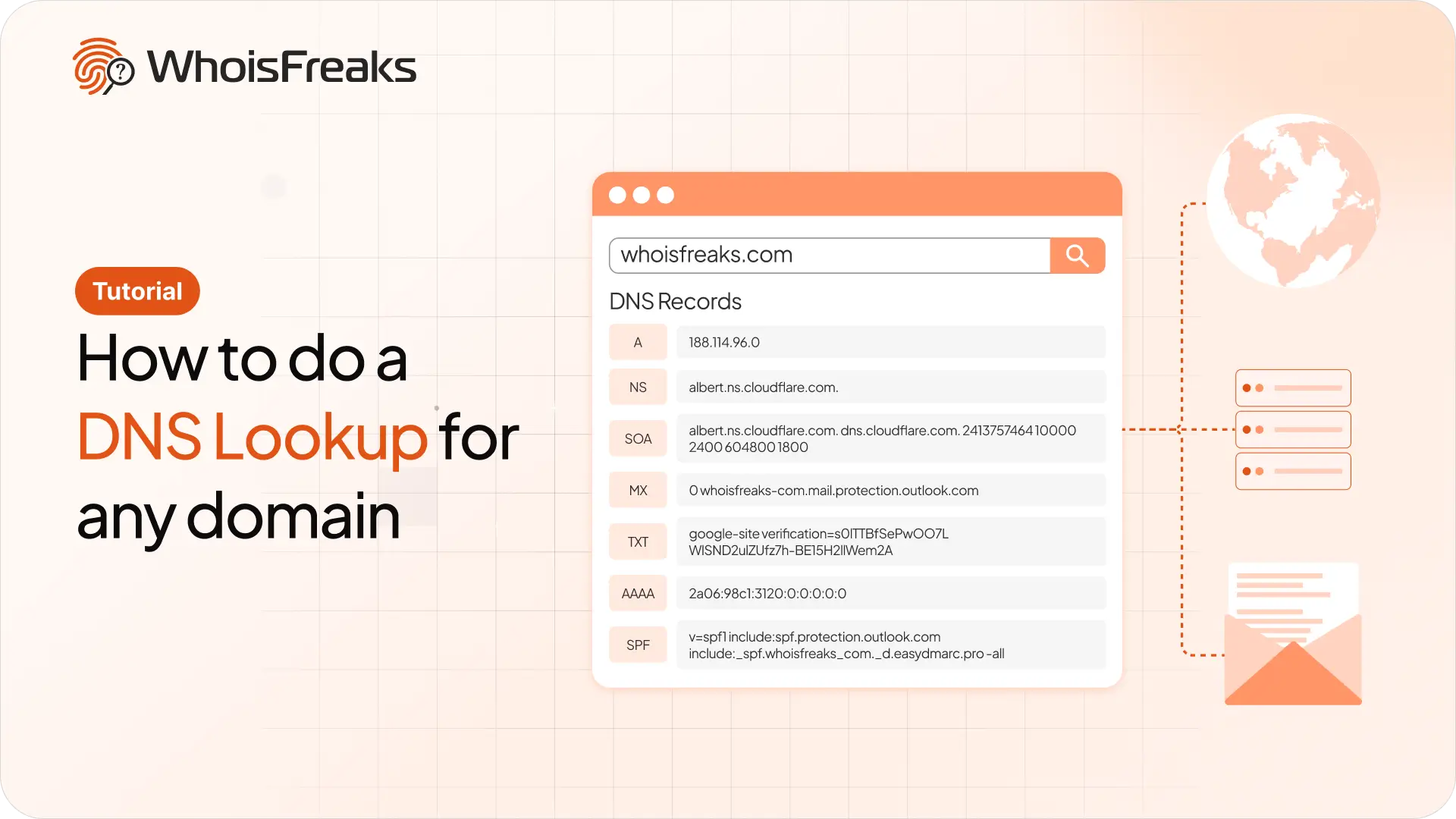
Run a DNS lookup on any domain with the WhoisFreaks DNS API. Get A, AAAA, NS, MX, TXT, SOA and SPF records in one JSON response, with cURL examples you can copy.
11 min read
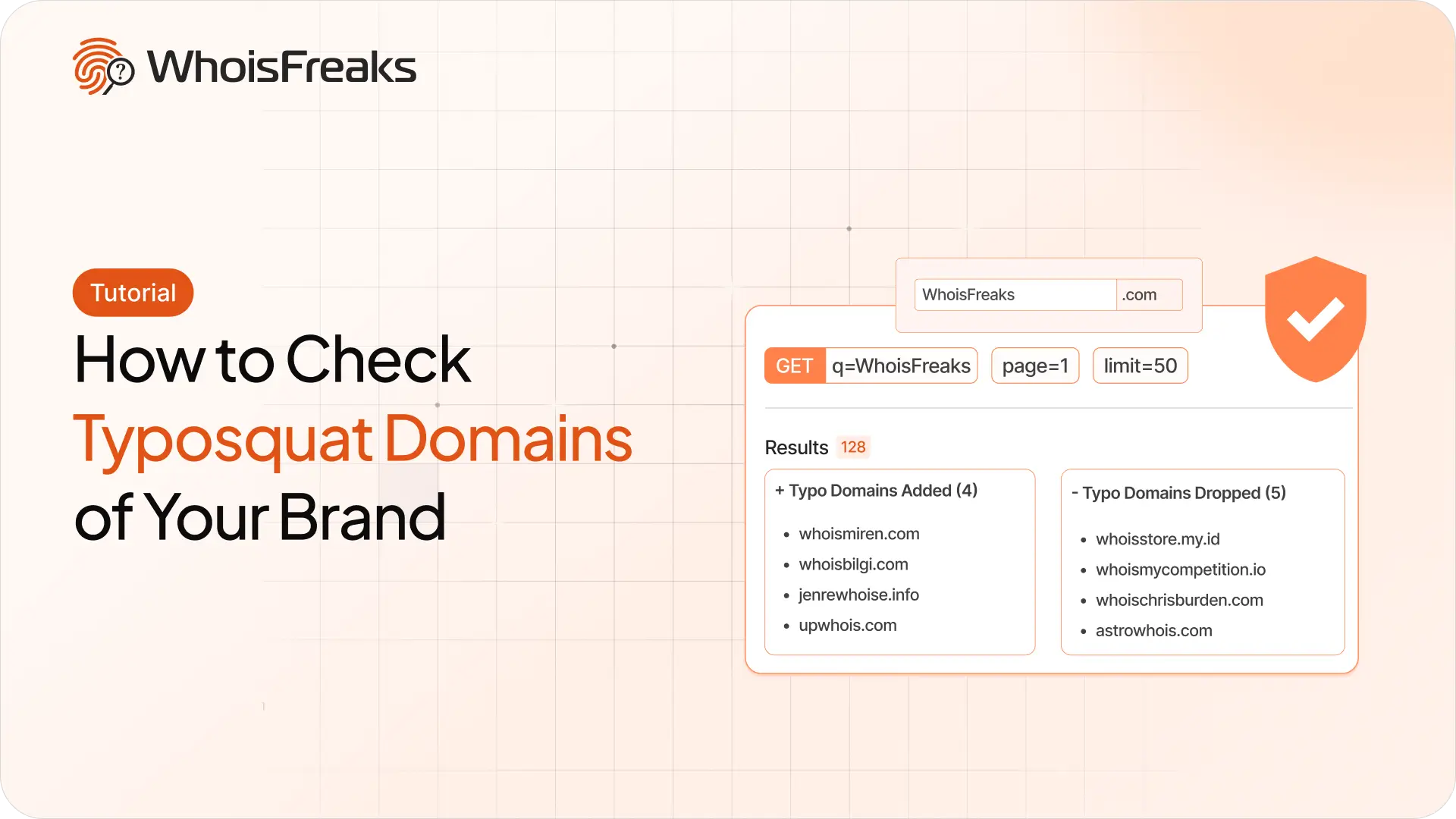
Find registered typosquatting domains targeting your brand with the WhoisFreaks Domain Typosquats API - keyword scans, wildcard patterns, paging and triage.
11 min read

WhoisFreaks database downloads arrive as .csv.gz, .json.gz or .zip. Extract, verify and read them on Linux, macOS and Windows - including how to work with multi-gigabyte files without unzipping them at all.
11 min read